#
Activate your business
If you haven't already have account with us, please reach out to our sales team at +65 66048879 or email us at sales@styl.com.sg.
- Fill in the required details and choose your subscription plan.
- You will receive a confirmation email with a link to activate your account with in 2 business days.
- Follow the guideline via link for registration
#
Decription
This document outlines the steps required for users to access the system and complete the onboarding process
- Account Access
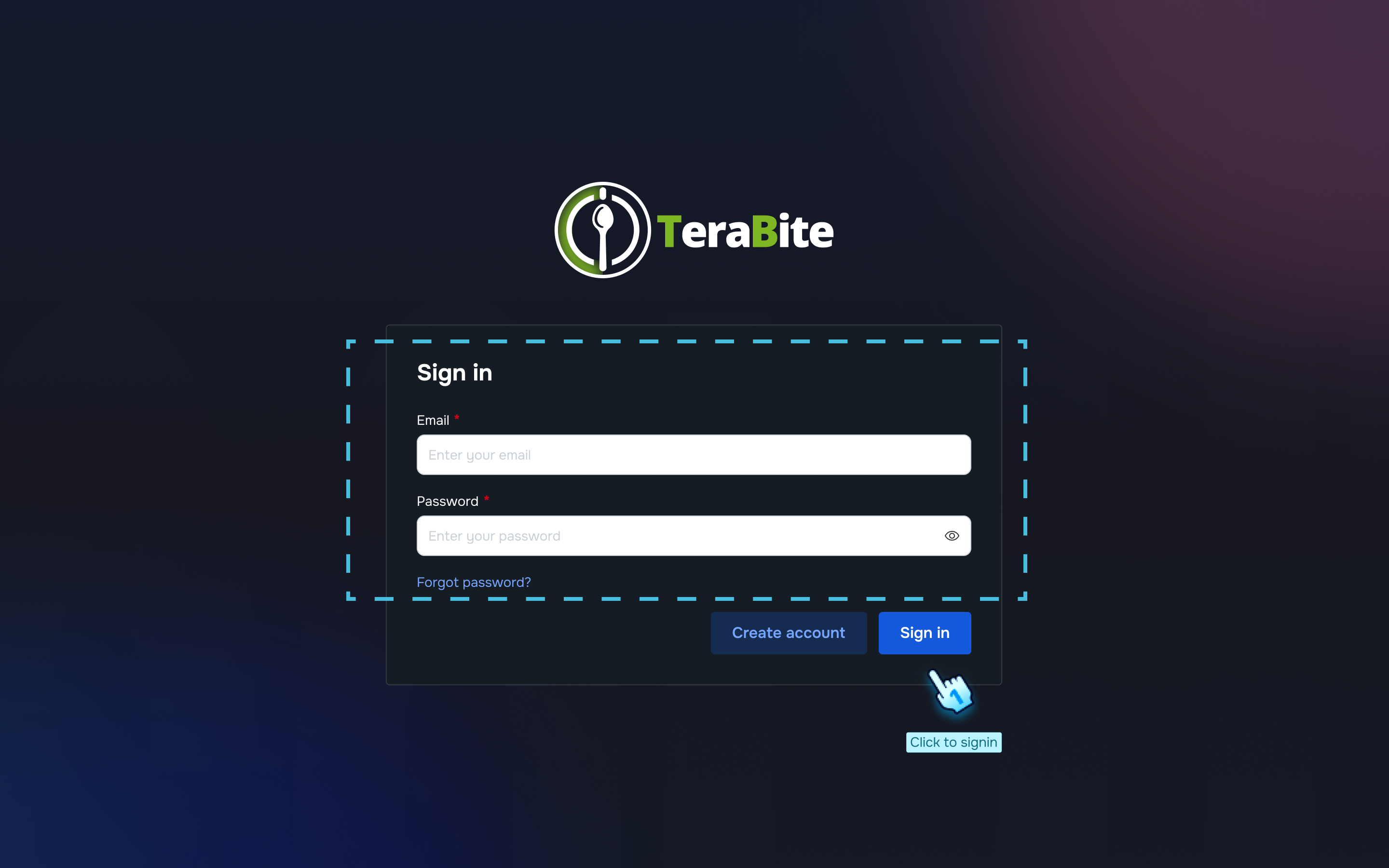
- Use the account credentials provided by the system administrator to log in to the system.
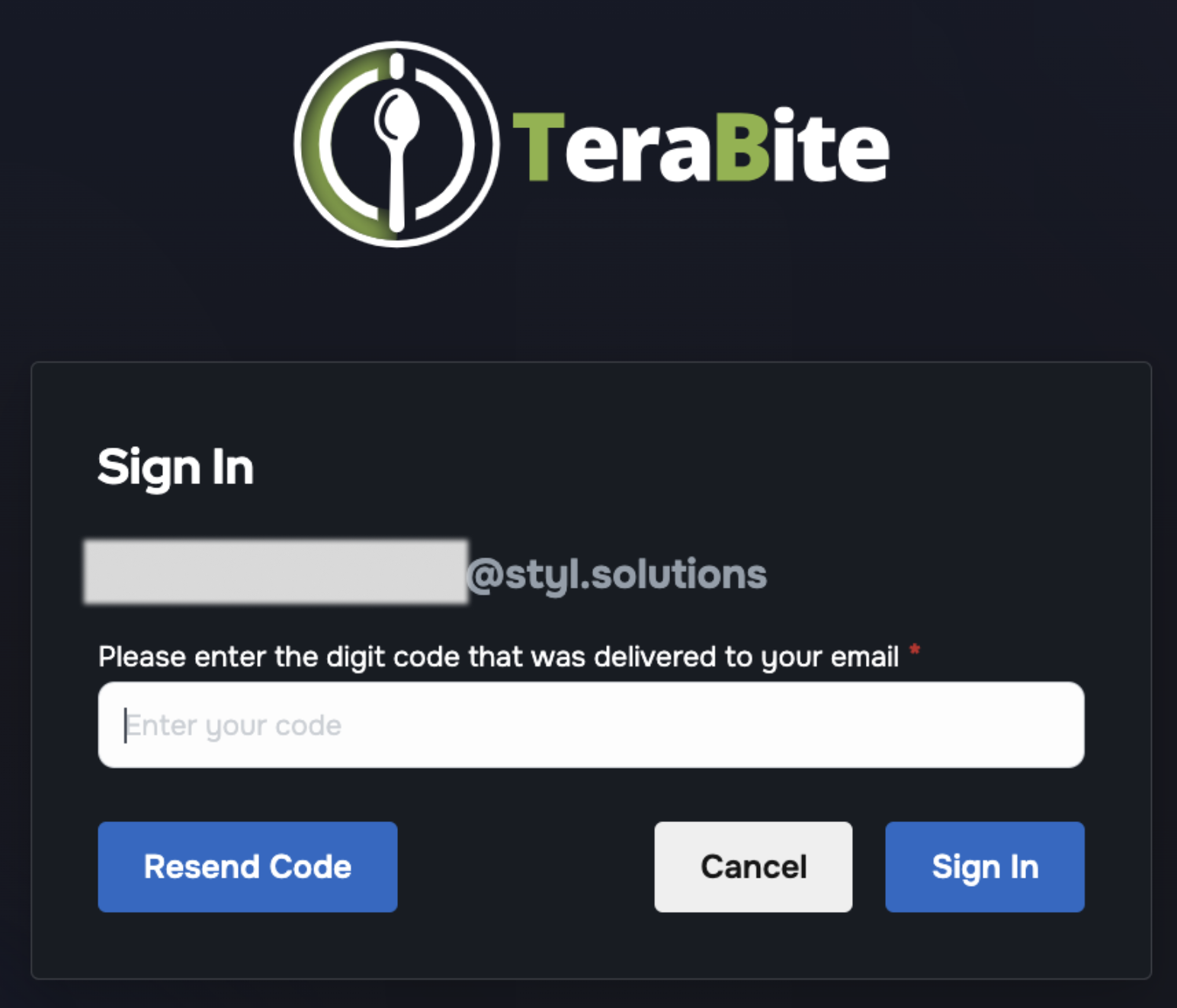
- 2FA verrification
- Enter the OTP from email to login
- Tap "Resend Code" button if OTP is not delivered
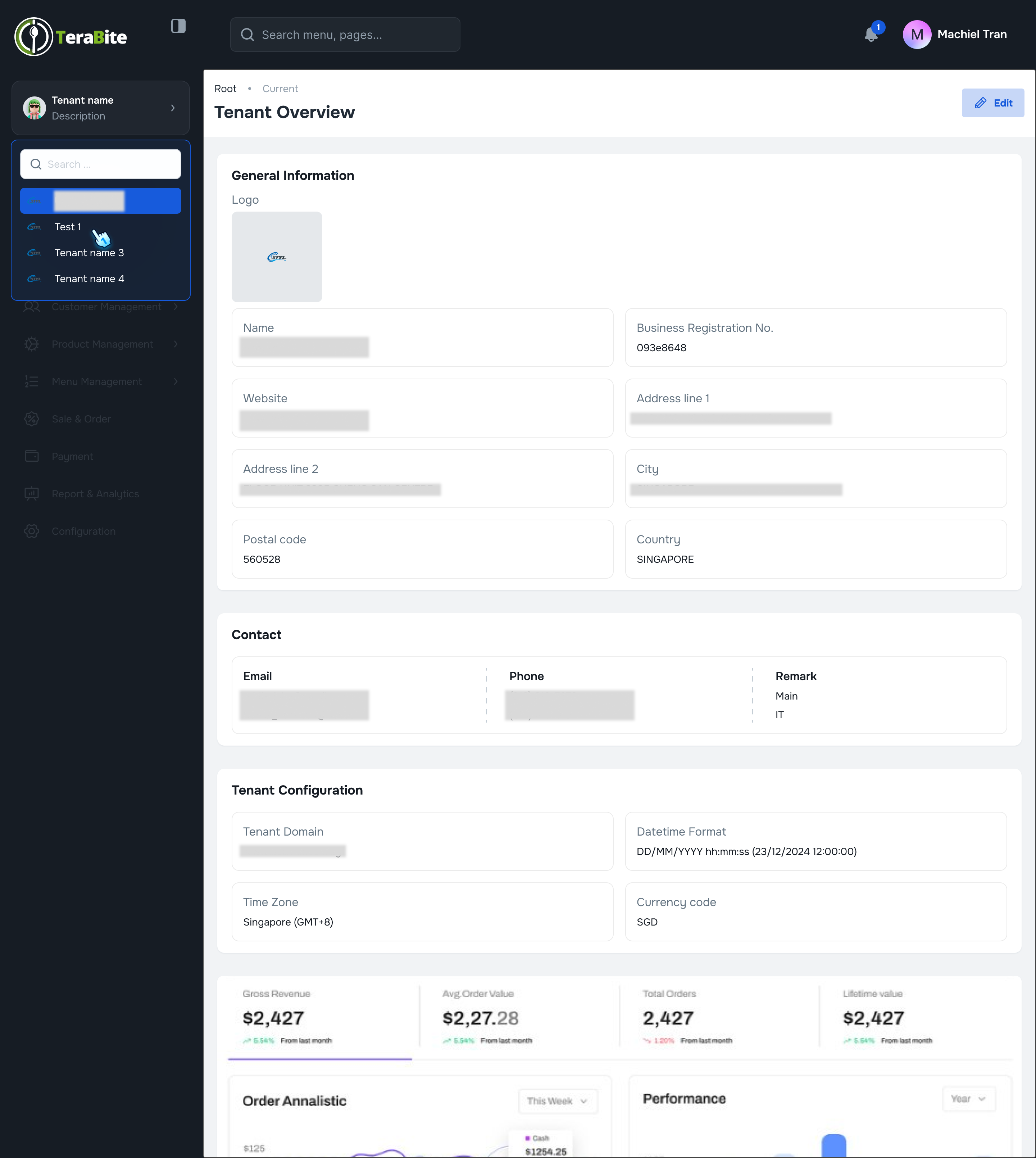
- Tenant Selection
- Upon logging in, select the appropriate tenant from the available options.
- If the selected tenant status is marked as "New," the user will be automatically navigated to the onboarding page.
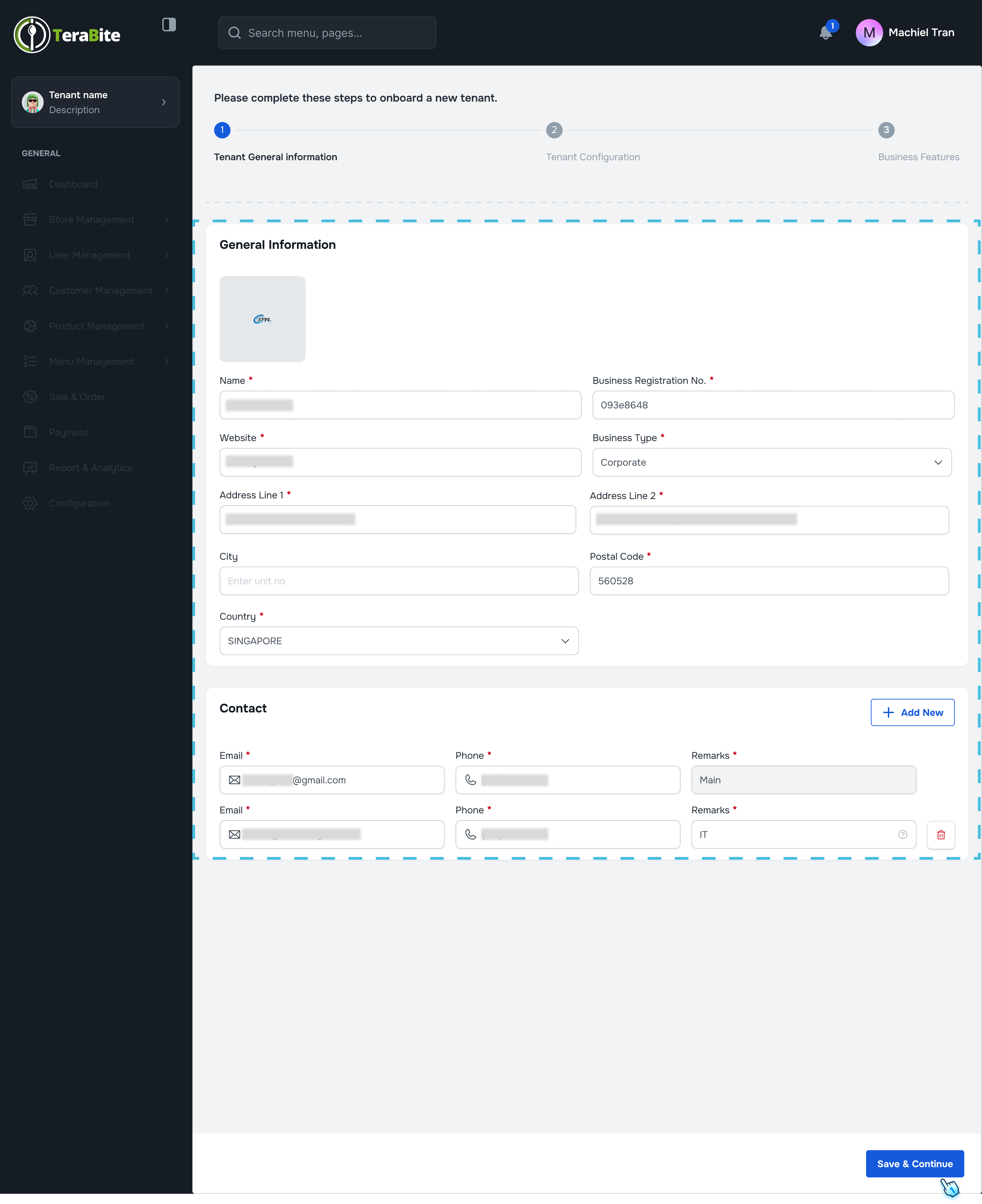
- General Information Verification
- Review the general information that has been entered by the administrator.
- Correct any inaccuracies and complete any missing information as necessary.
- Data Configuration
- Configure the related data settings, including:
- Alternative domain (if applicable)
- Date and time format
- Time zone
- Currency settings
- Business Feature Selection
- Select the business features you wish to activate based on your subscription plan.
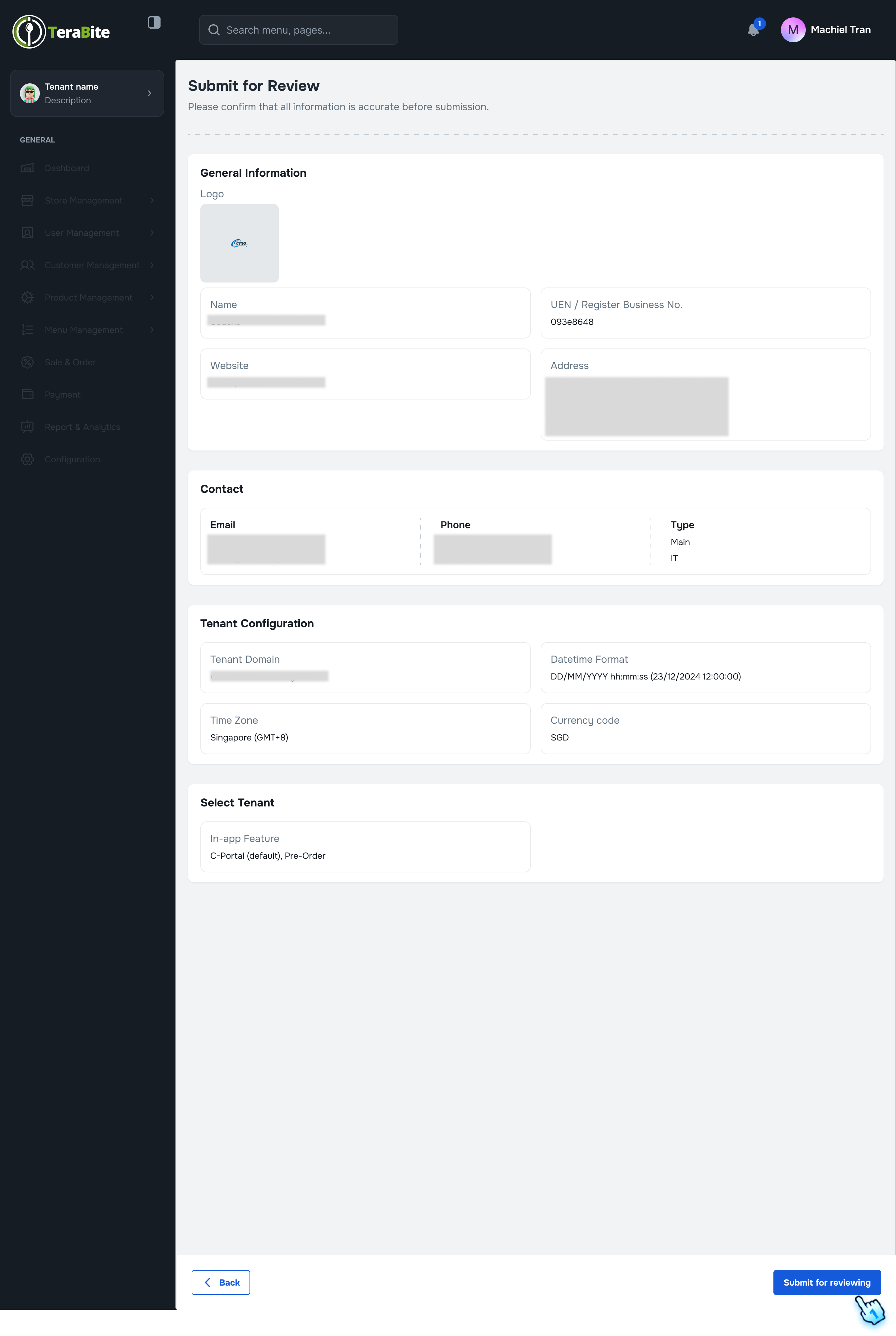
- Information Review
- Carefully review all input information to ensure accuracy before sending the request for processing.
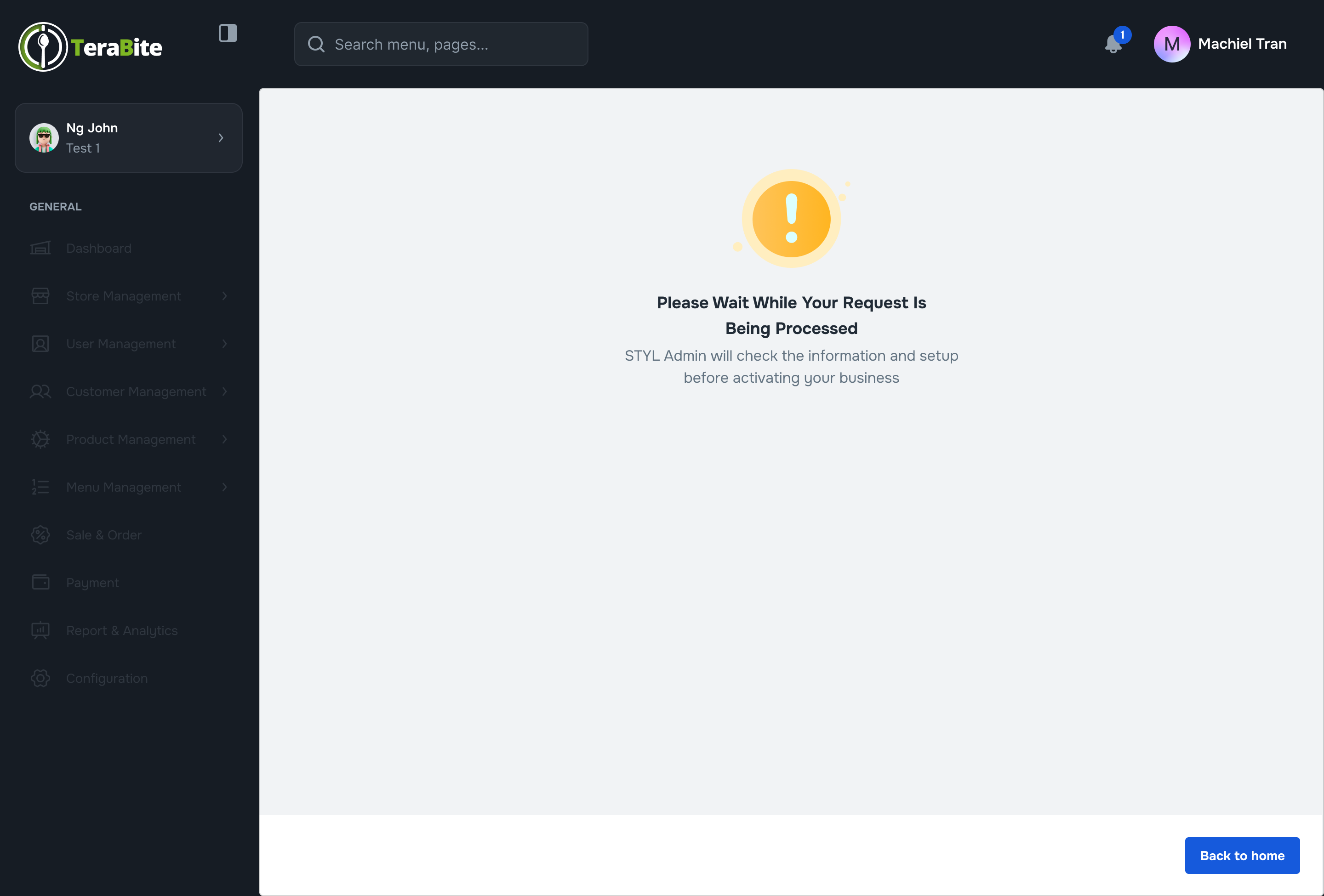
- Request Submission
- Submit the request and wait for the system to process the request to activate your business.
#
Conclusion
Following these steps will ensure a smooth onboarding process and proper configuration of your account within the system.
#
Screen flow