

#
Tag: guide
See all tags.
If you haven't already have account with us, please reach out to our sales team at +65 66048879 or email us at
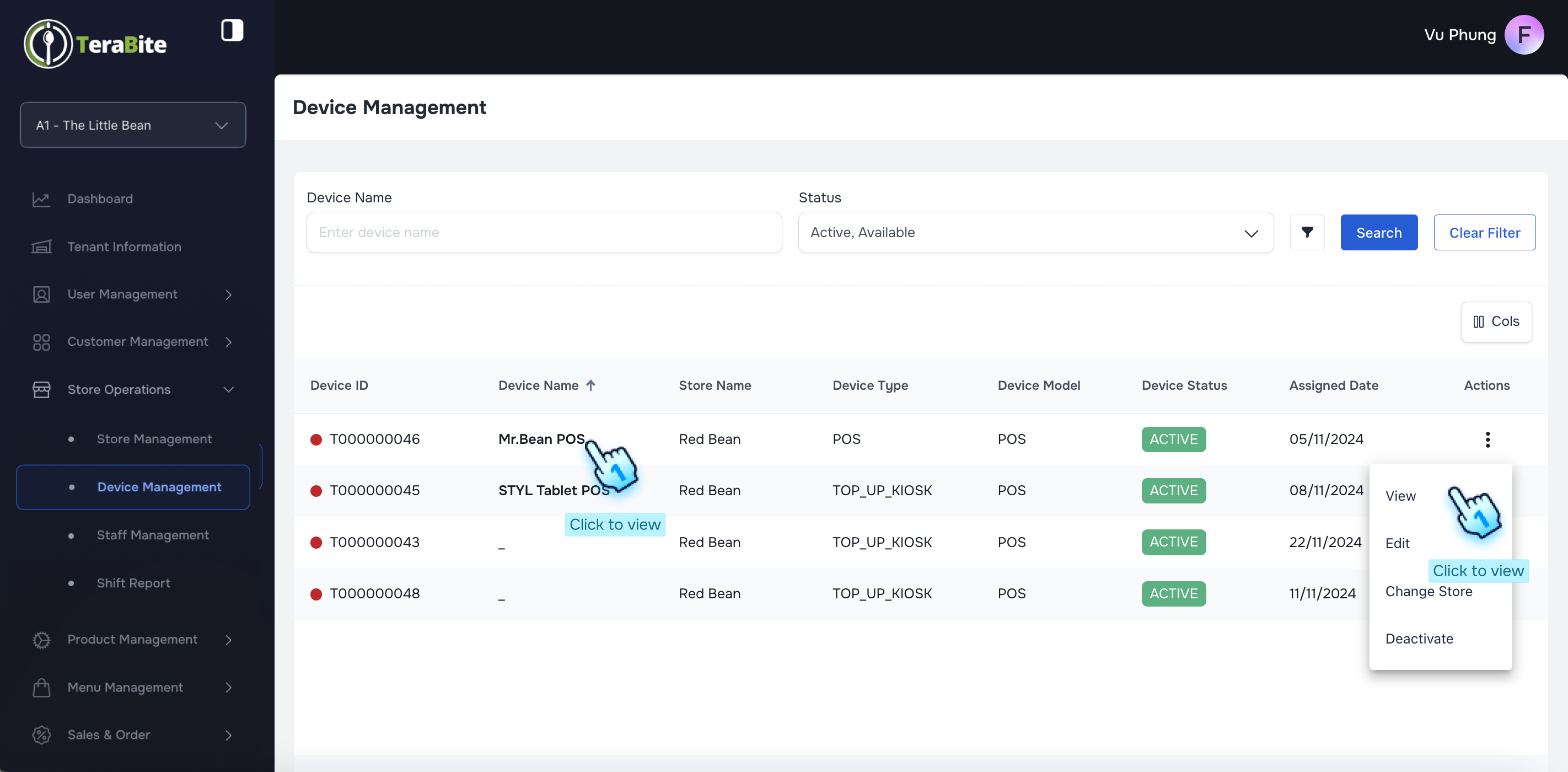
This document outlines the procedures for viewing and editing device details, as well as managing the store list and changing store statuses.
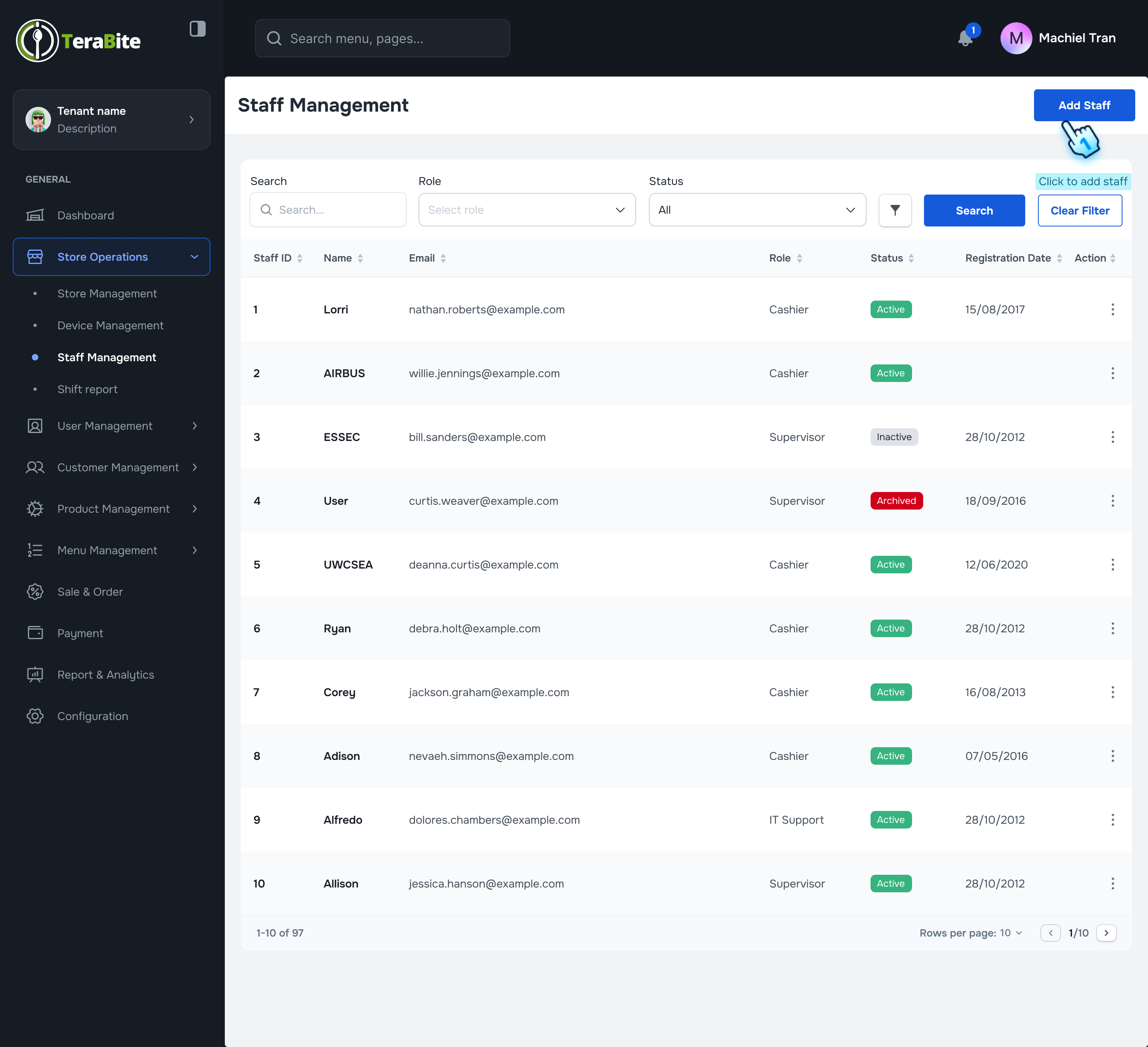
This document outlines the procedures for creating staff members, viewing and editing their details, and managing their statuses within the system.
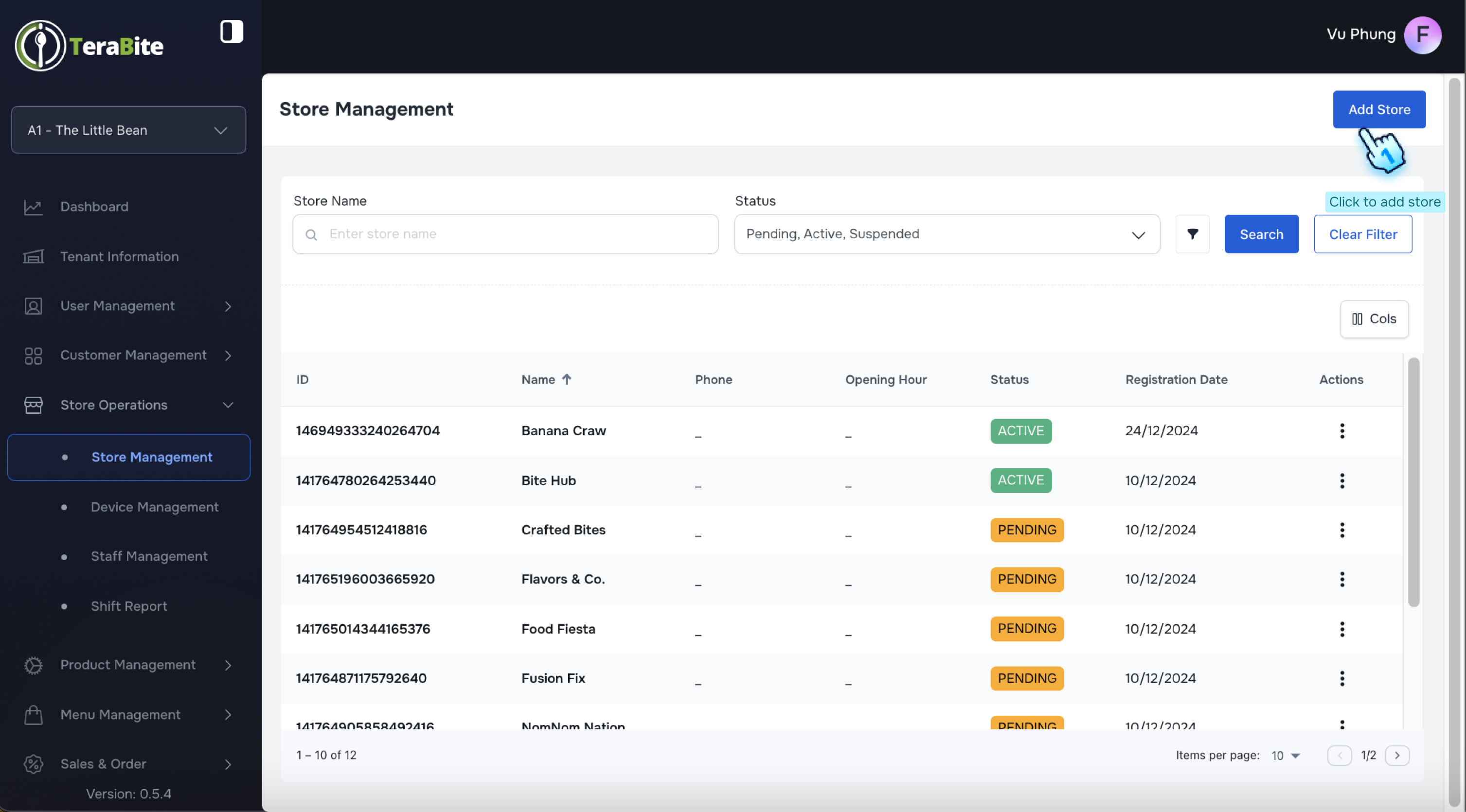
This document outlines the procedures for creating, viewing, editing, and managing store statuses within the system.
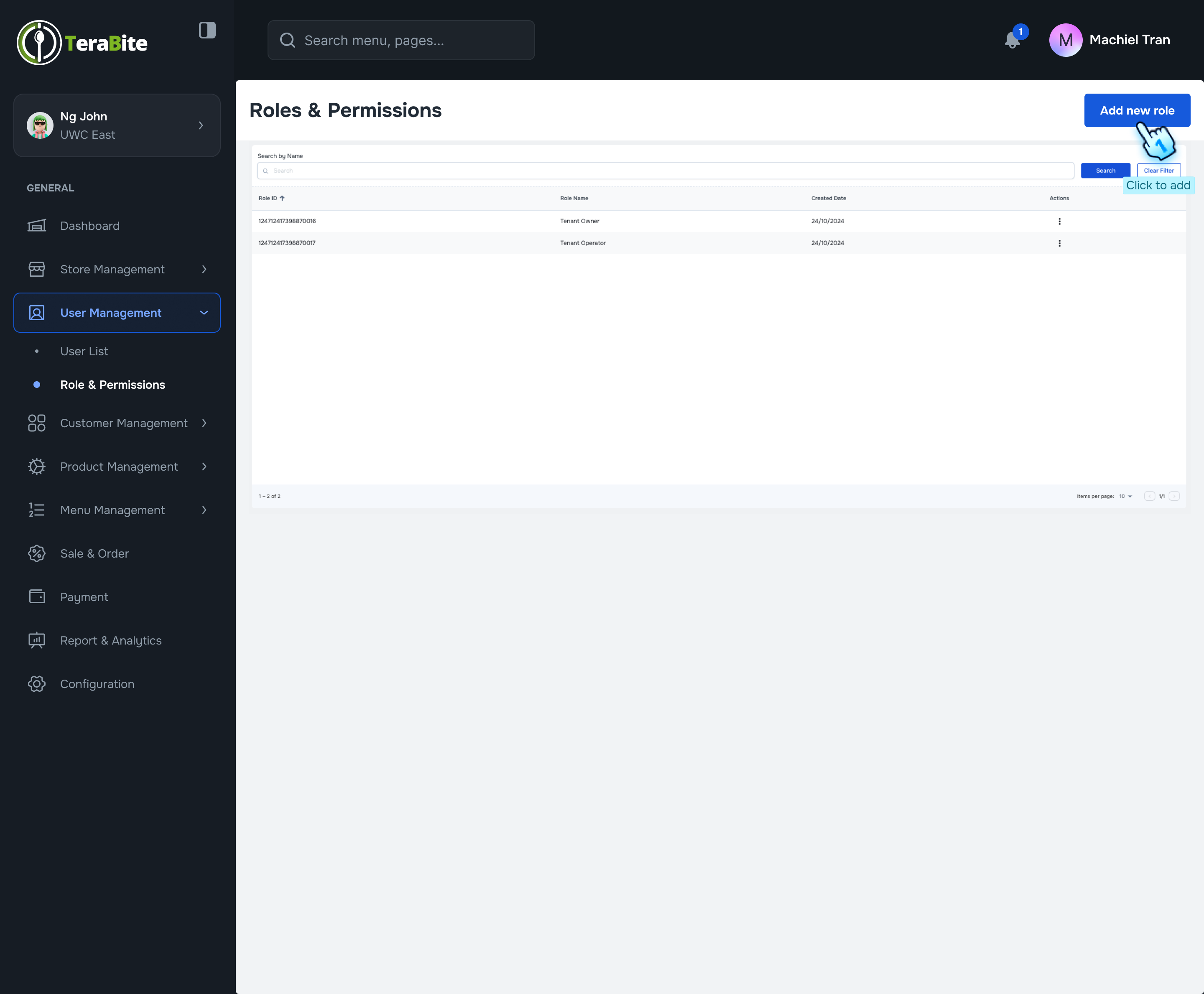
This document outlines the procedures for creating, editing, viewing, and deleting user roles and permissions within the system, specifically for...
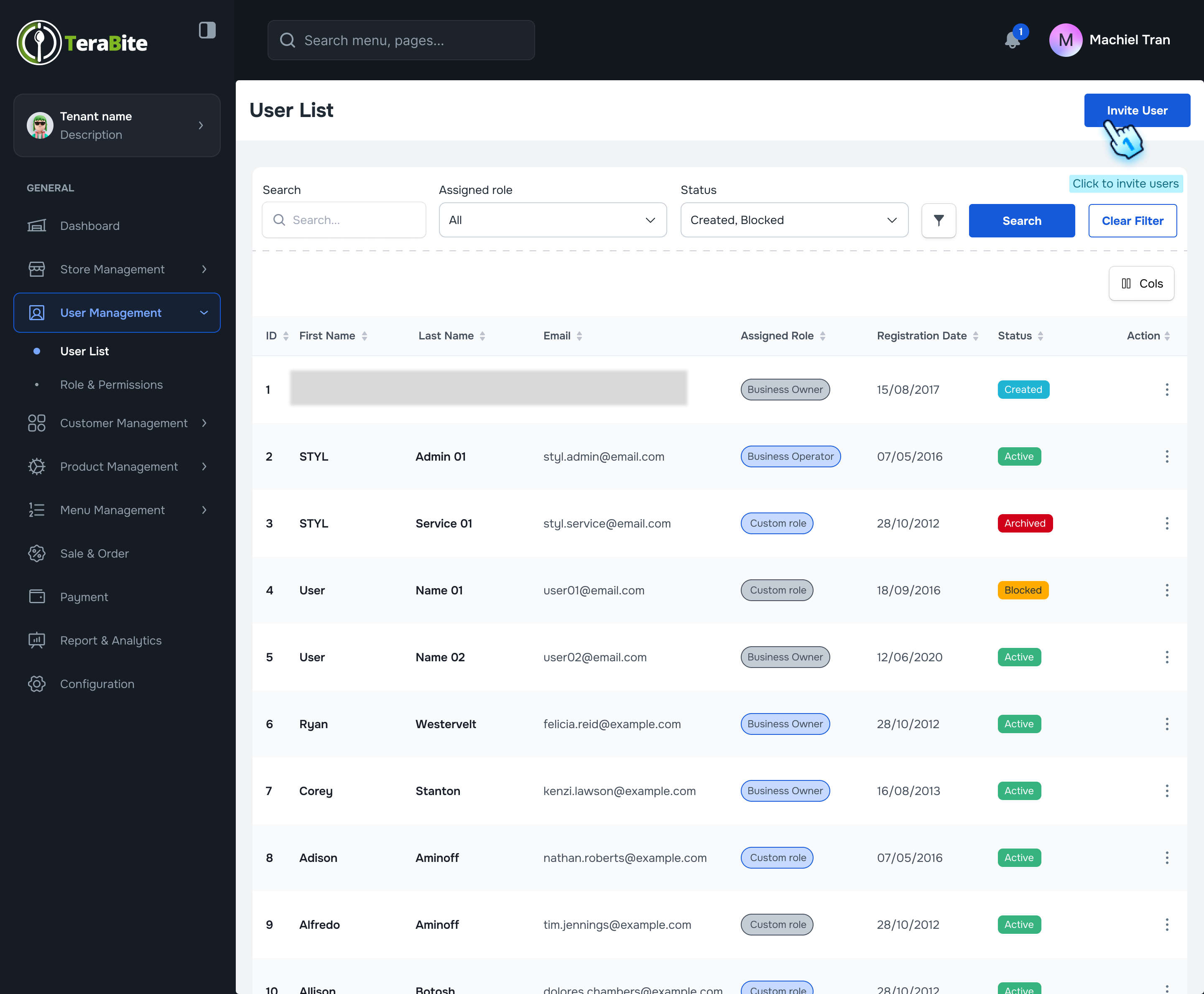
This document outlines the procedures for inviting a user to the system and managing the user list, including viewing user details and adjusting user...
This document outlines the procedures for setting allergen payment restrictions for items in the POS and C-Portal.
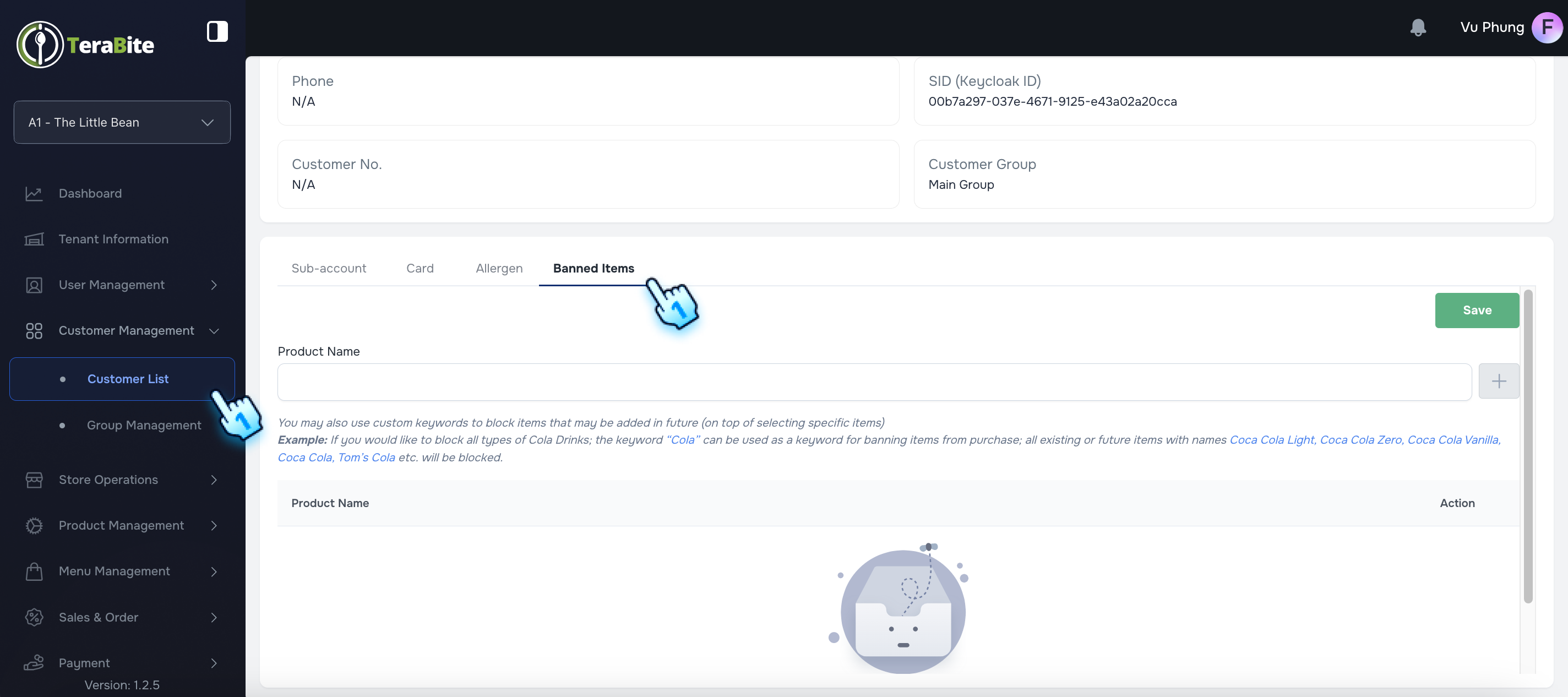
This document outlines the procedures for managing banned items within the application.
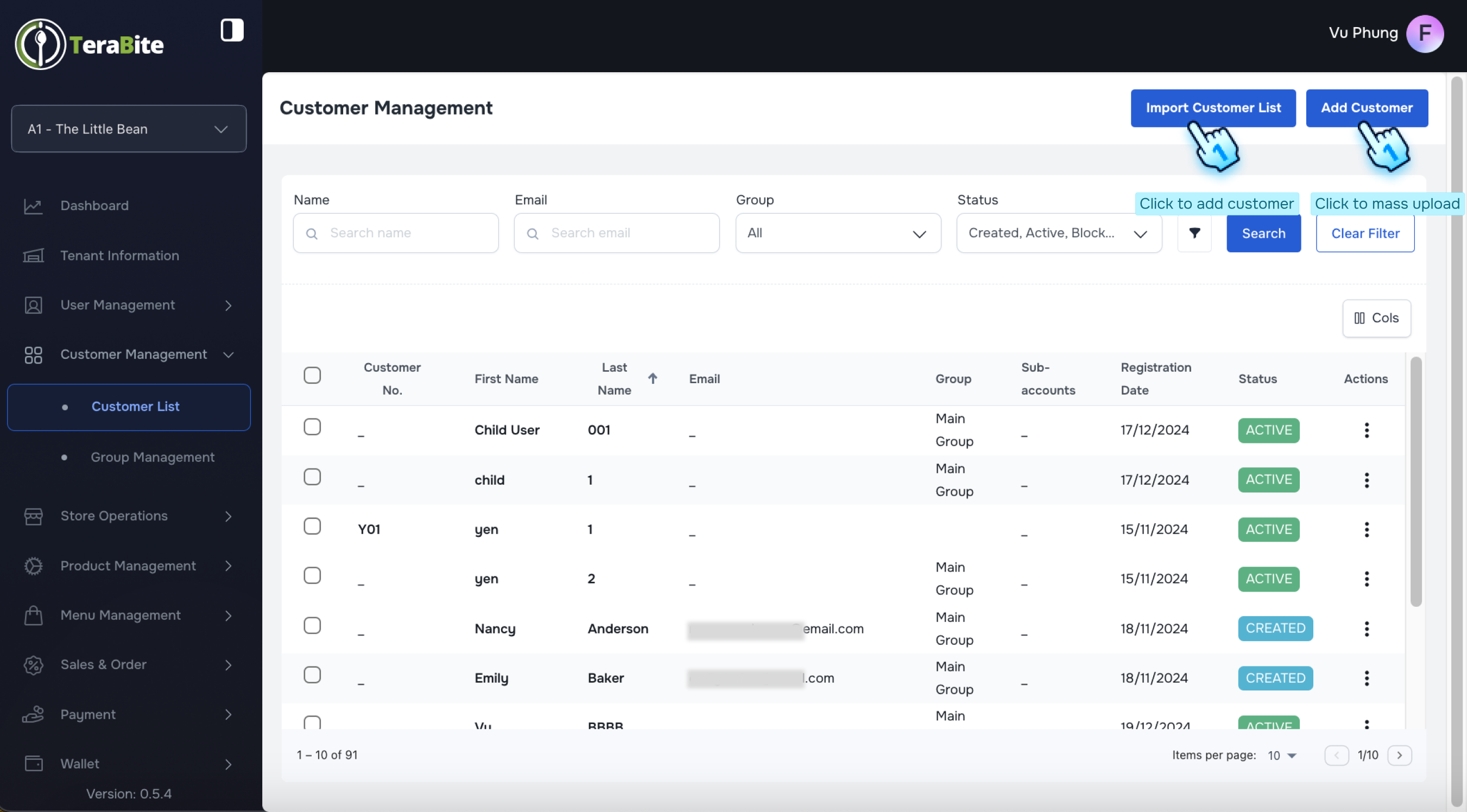
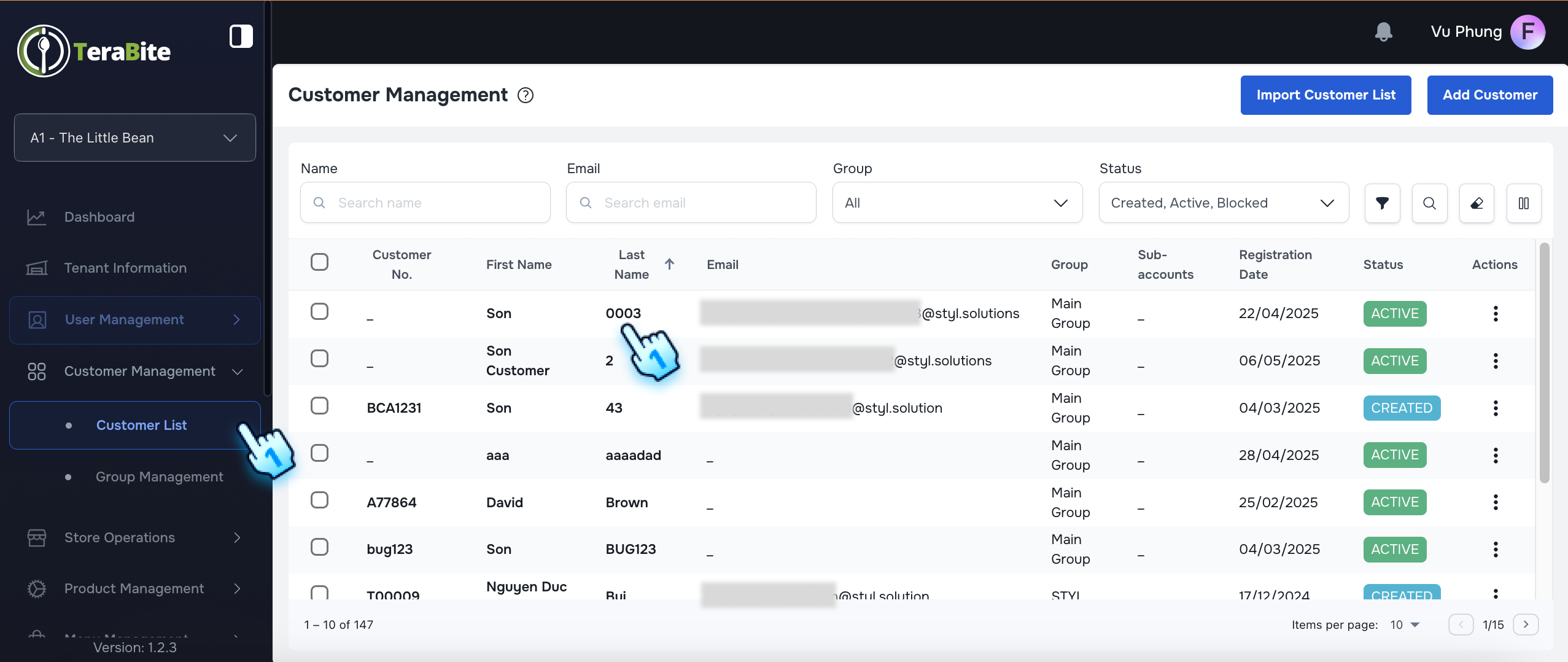
This section outlines the procedures for adding customers, importing customer lists, viewing and editing customer information including sub-account...
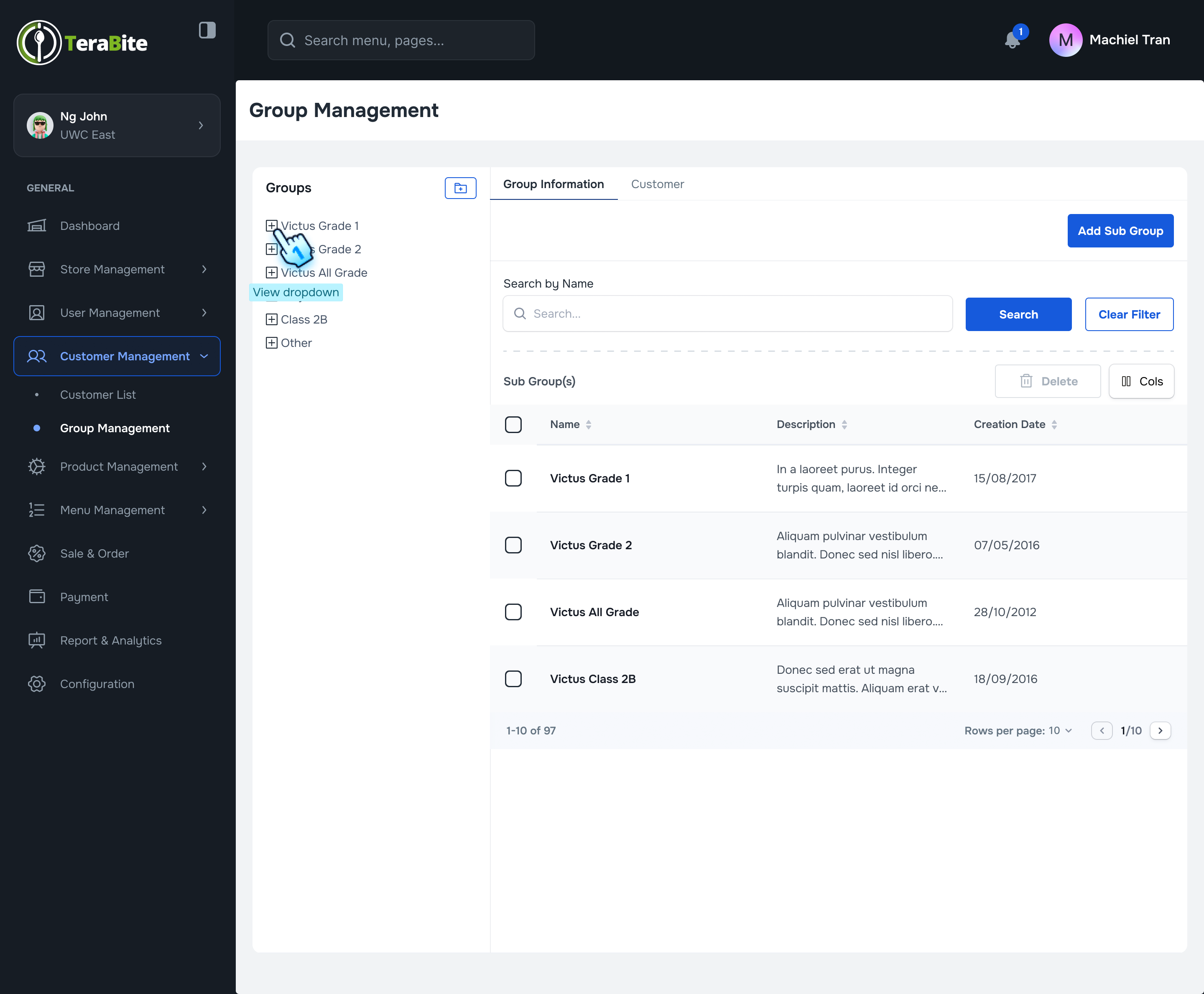
This document outlines the procedures for managing groups and sub-groups within the Customer Management module.
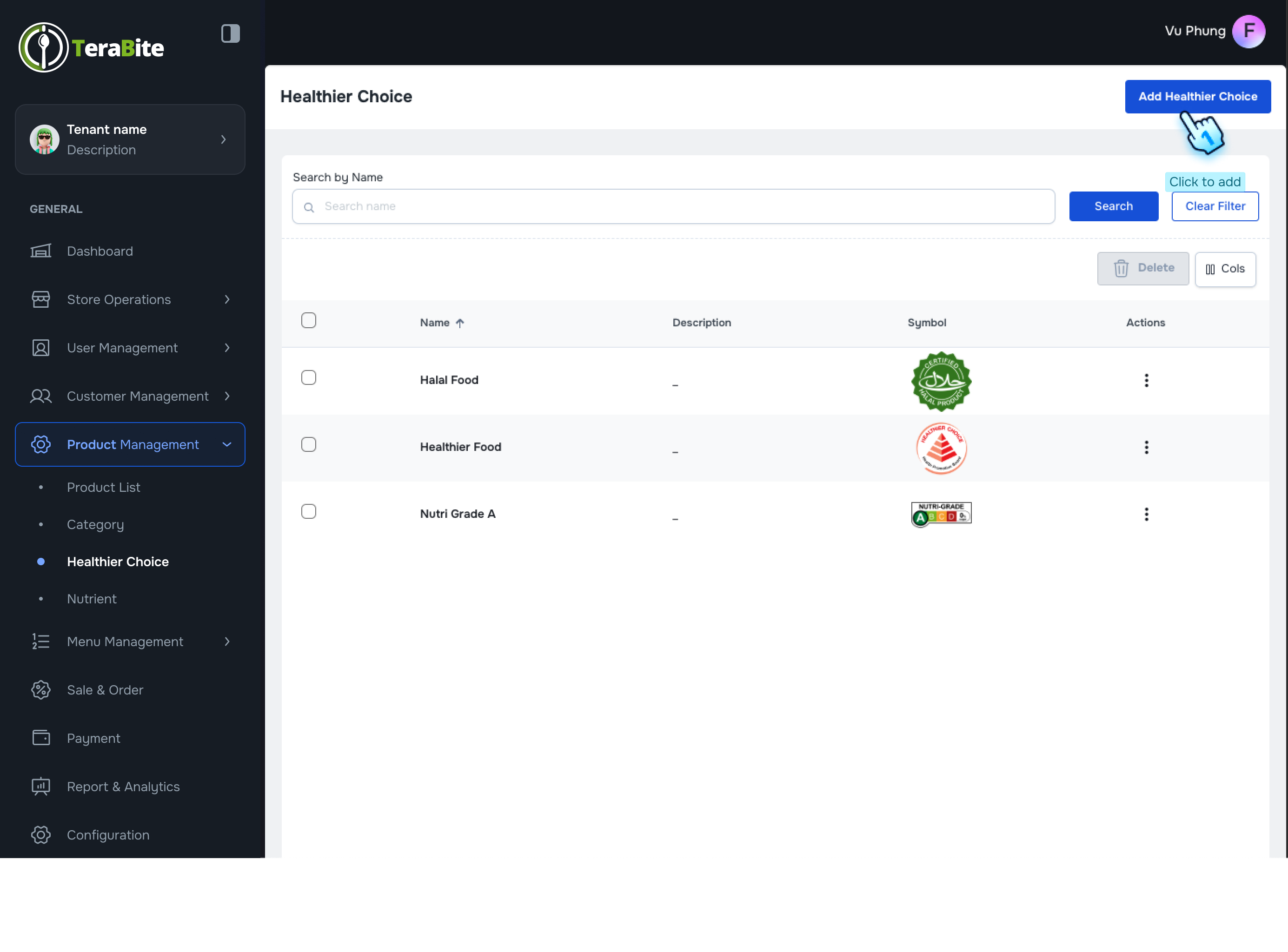
This document outlines the procedures for adding and managing healthier choices, nutrients, and allergens within the product management module.
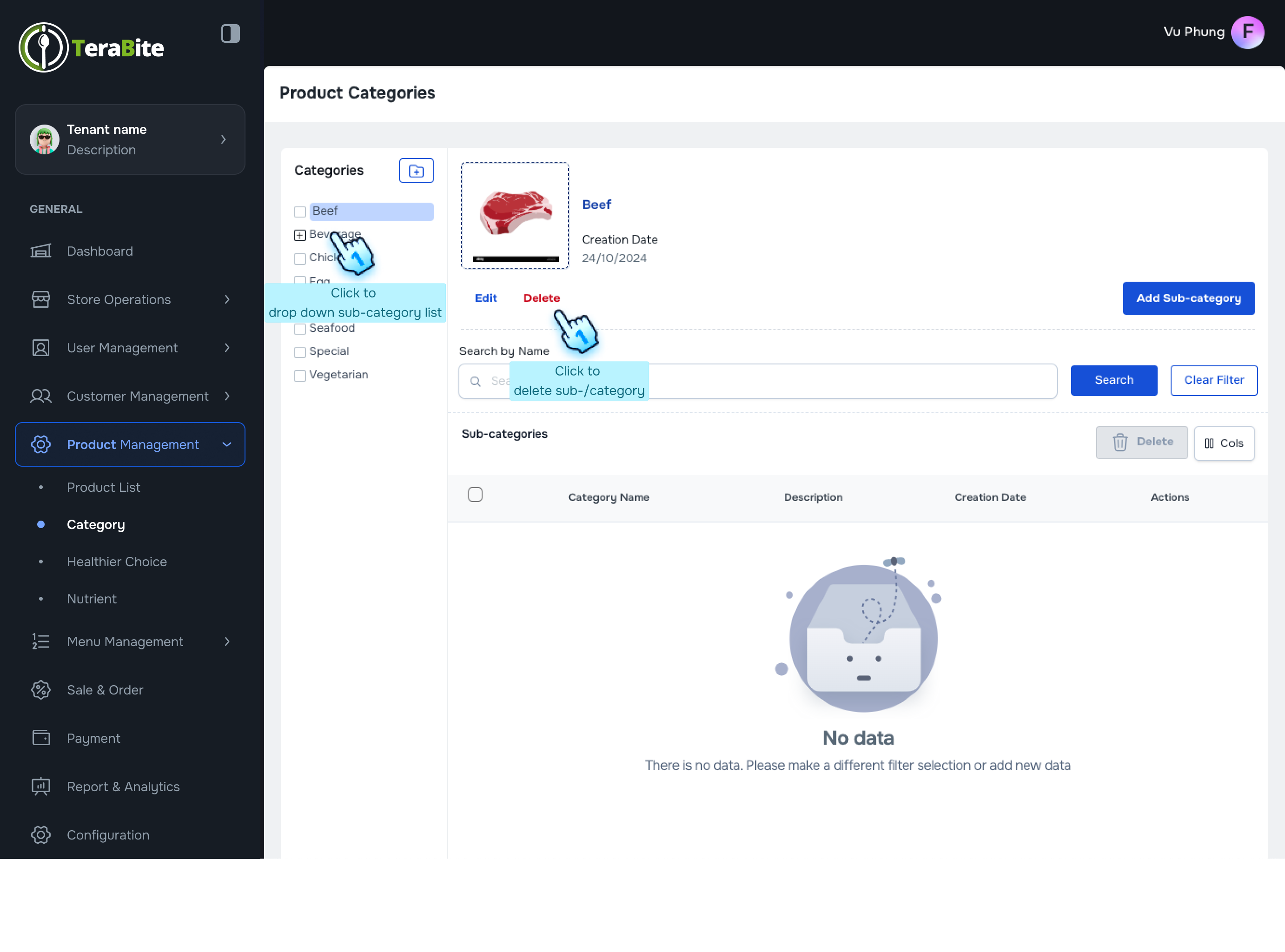
This document outlines the procedures for adding main categories and sub-categories in the product management module, as well as viewing and managing...
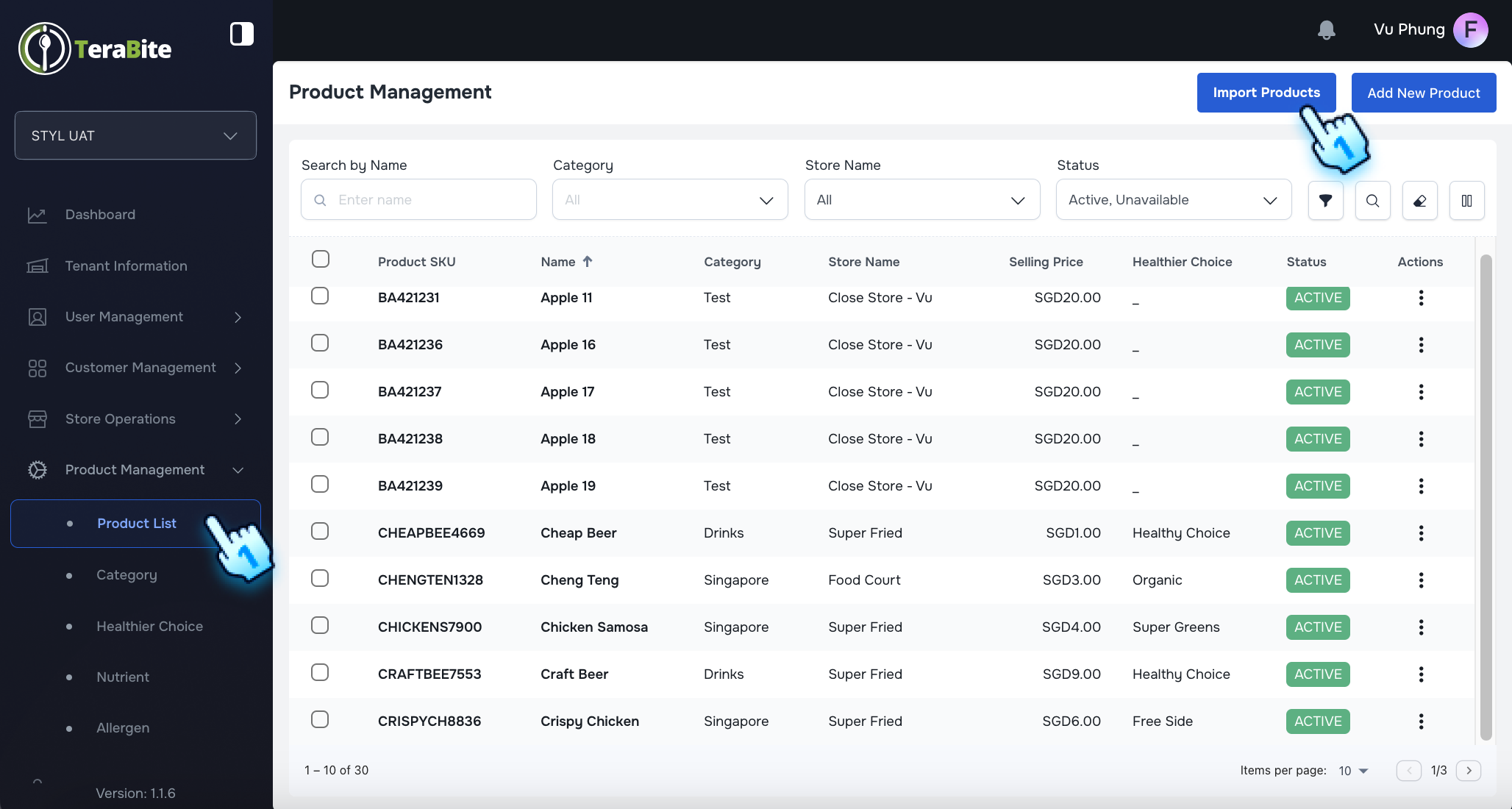
This section outlines the procedures for uploading products via CSV files, including handling errors, updating existing SKUs, and assigning products...
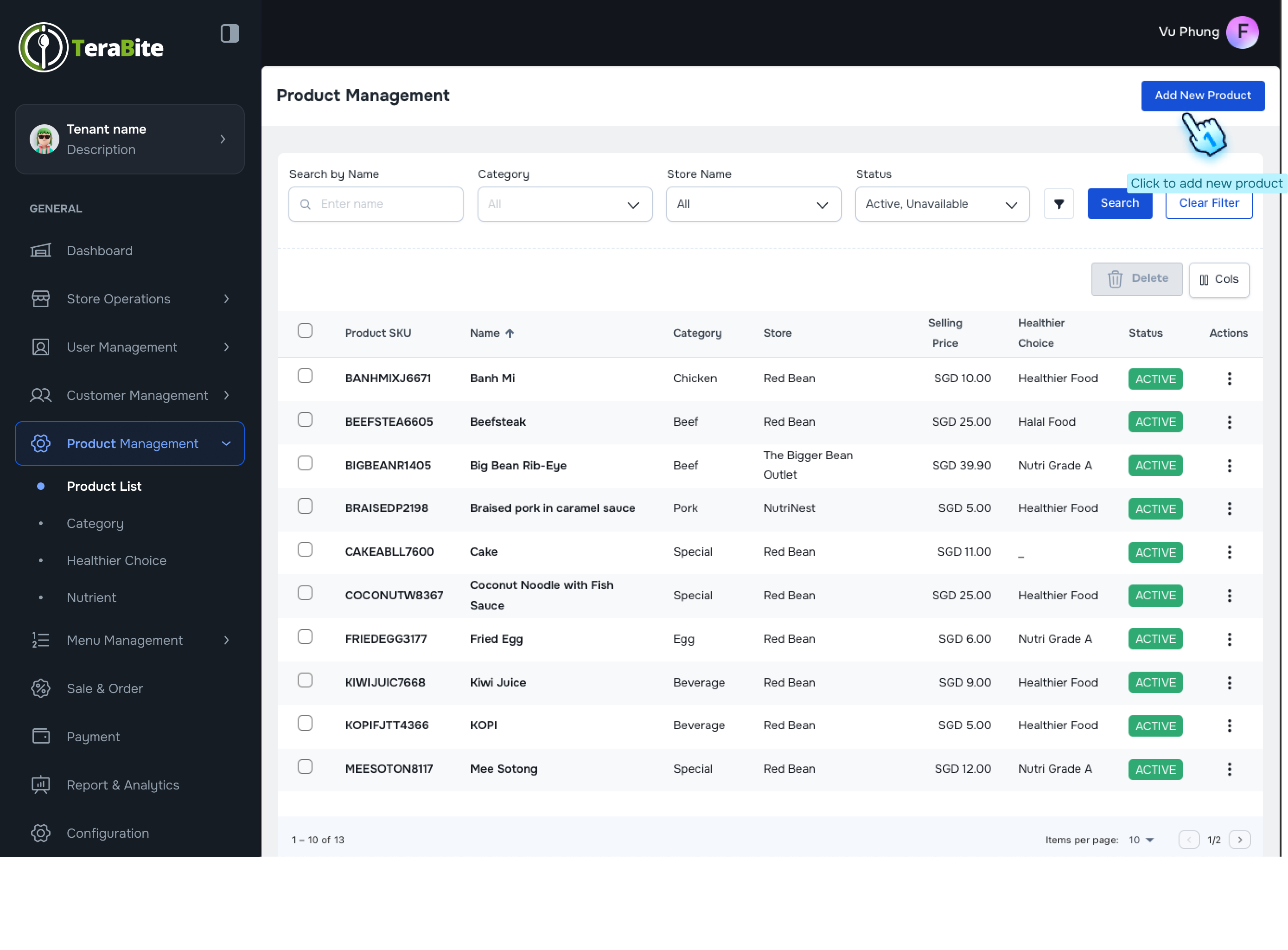
This document outlines the procedures for adding new products, importing products, viewing and editing product details, and managing product statuses...
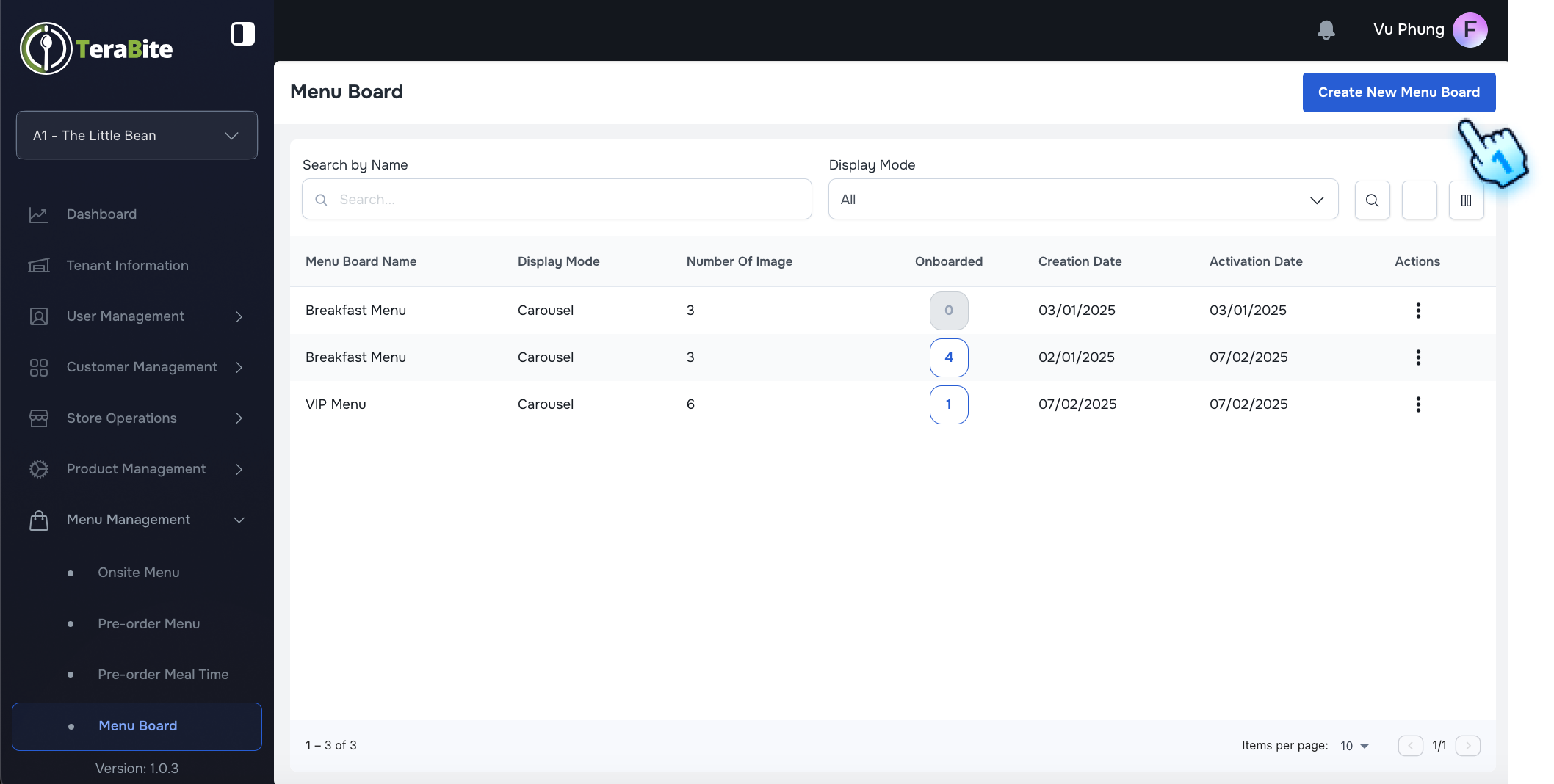
This document provides detailed instructions for creating, managing, and revoking menu boards within the Menu Management system.
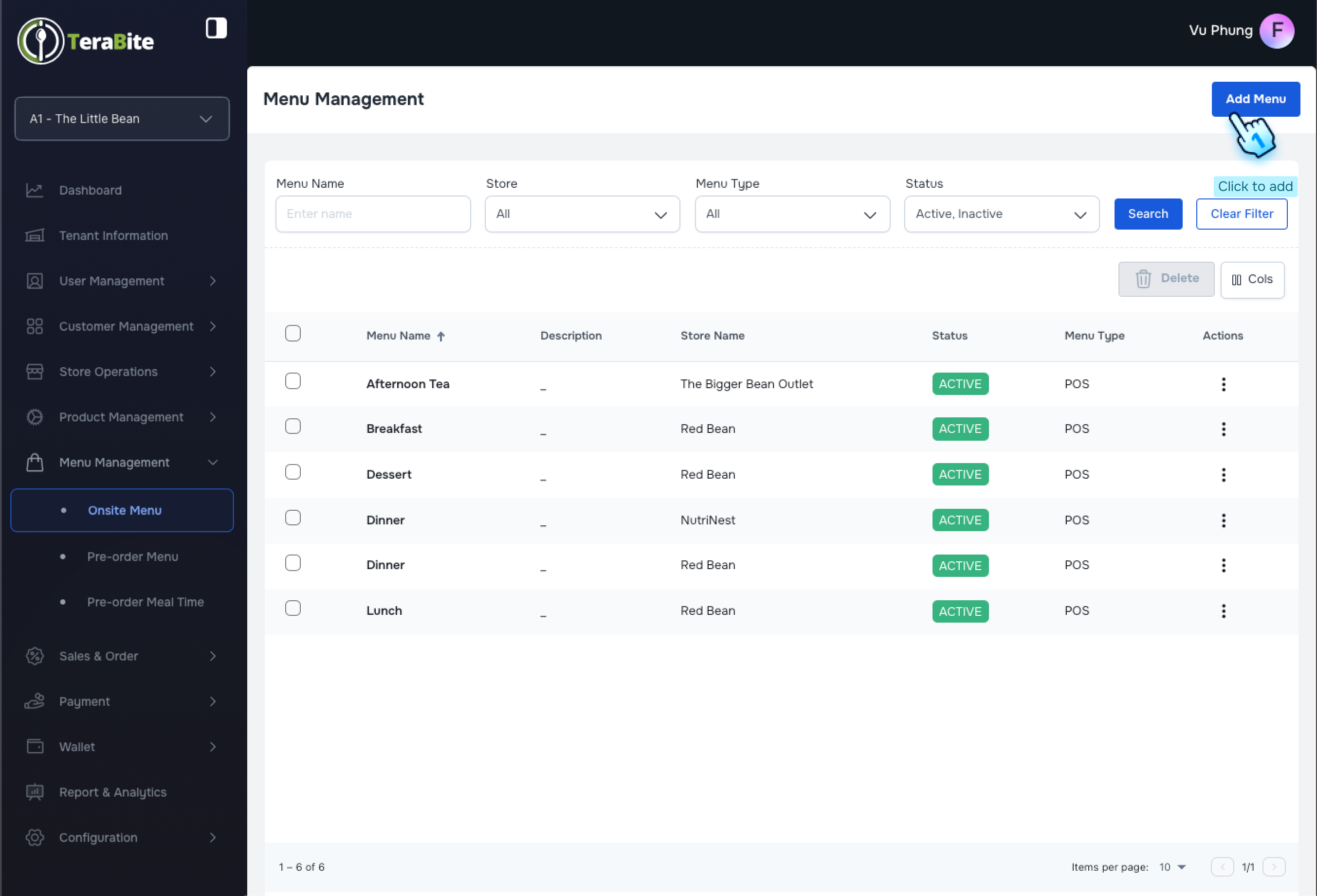
This document outlines the procedures for creating new menus, viewing and editing menus, and managing the status of menus within the Sales and Order...
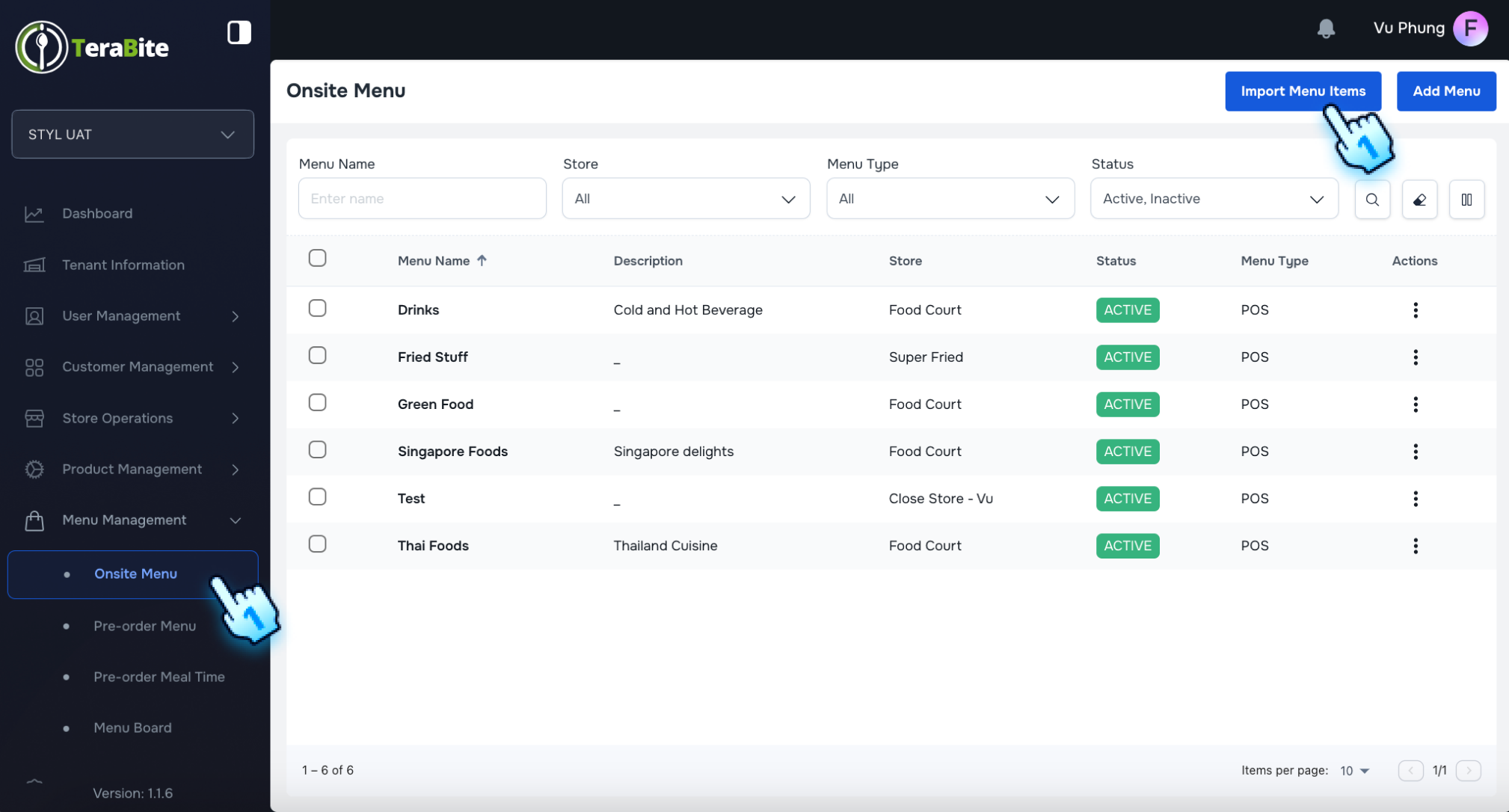
This section provides instructions for uploading menu items, including handling errors, updating existing menu items, and assigning menus to stores.
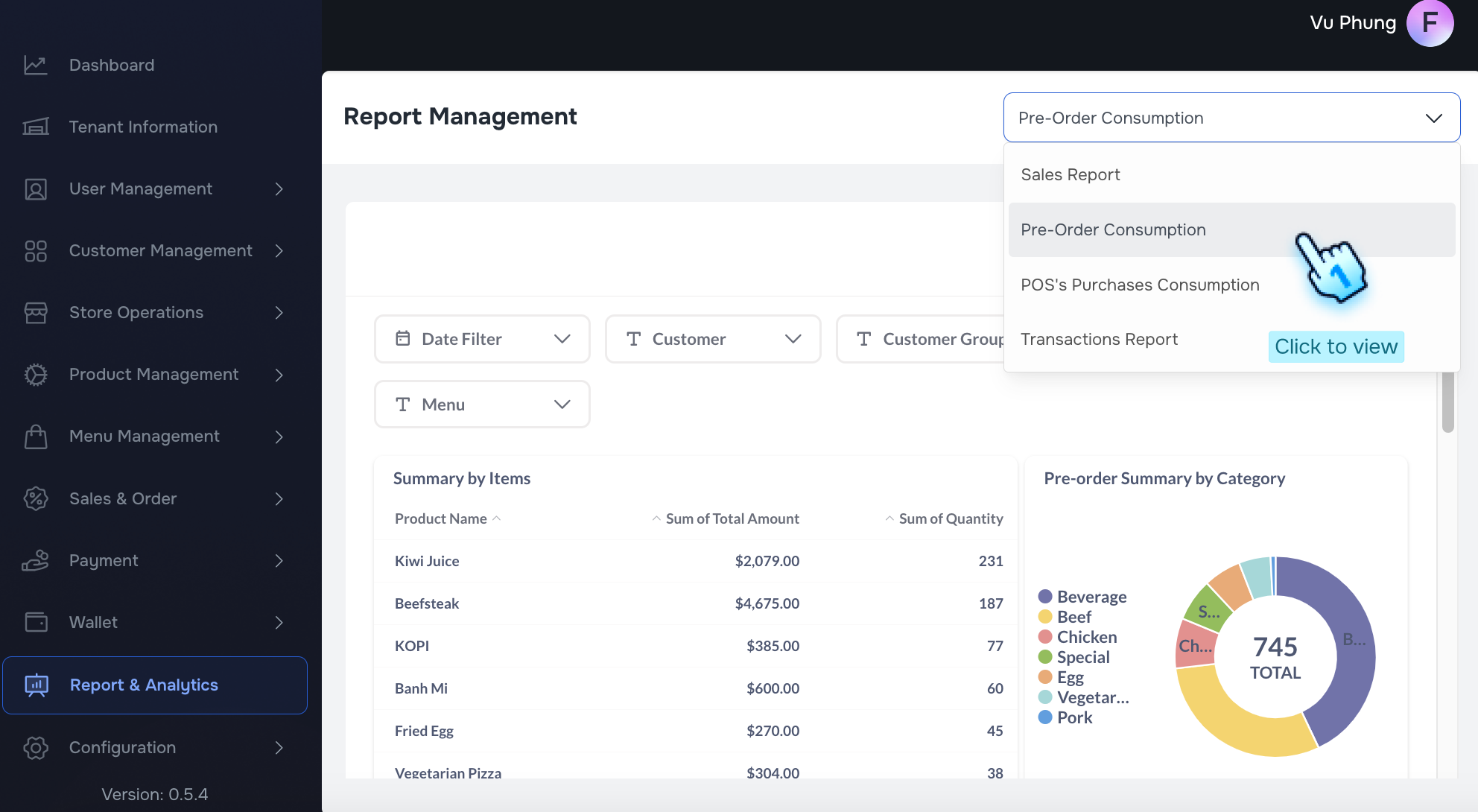
This document outlines the steps to access and filter the Preorder Consumption report within the Report & Analytics module.
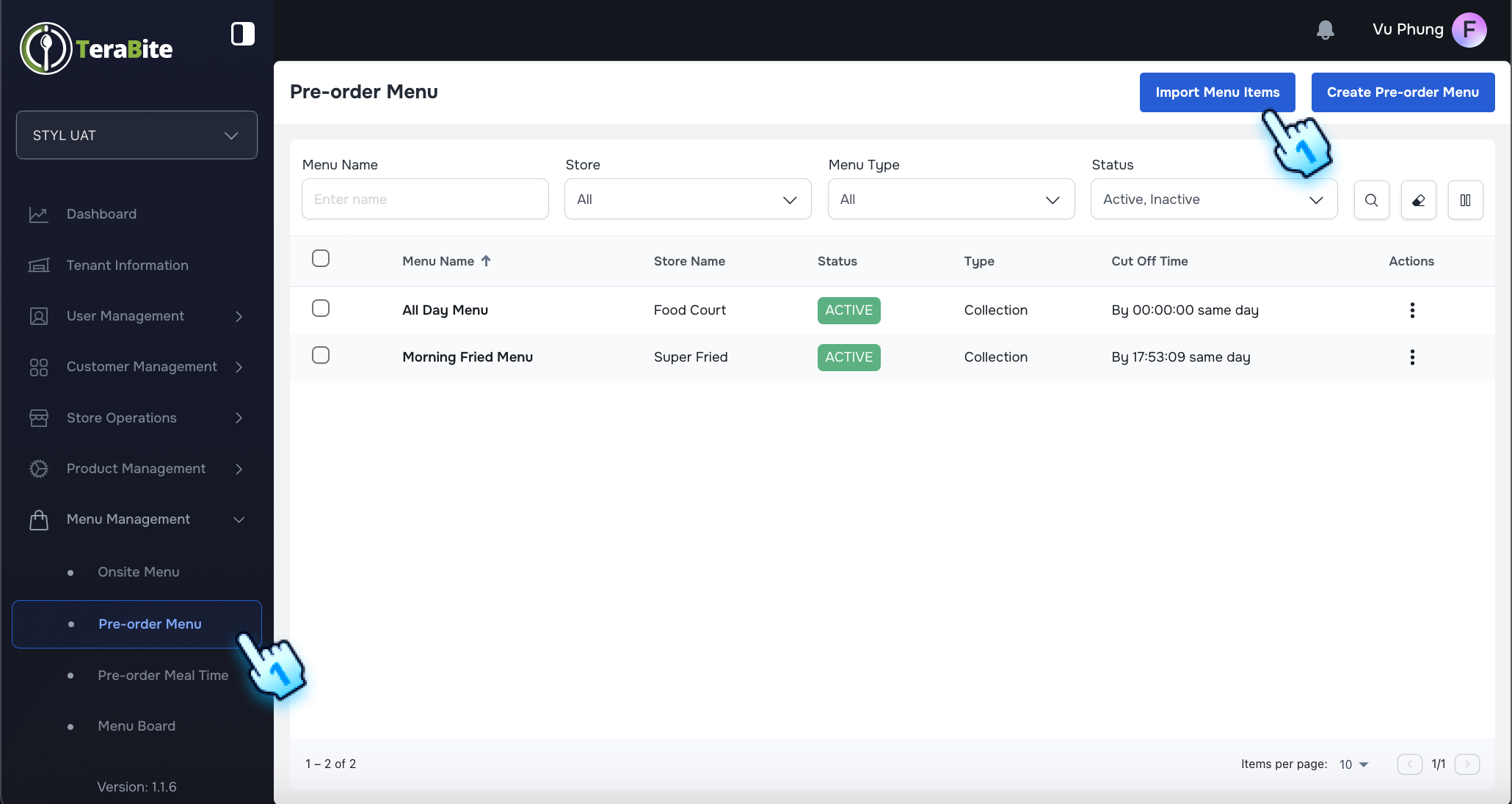
This section provides instructions for uploading menu items, including handling errors, updating existing menu items, and assigning menus to stores.
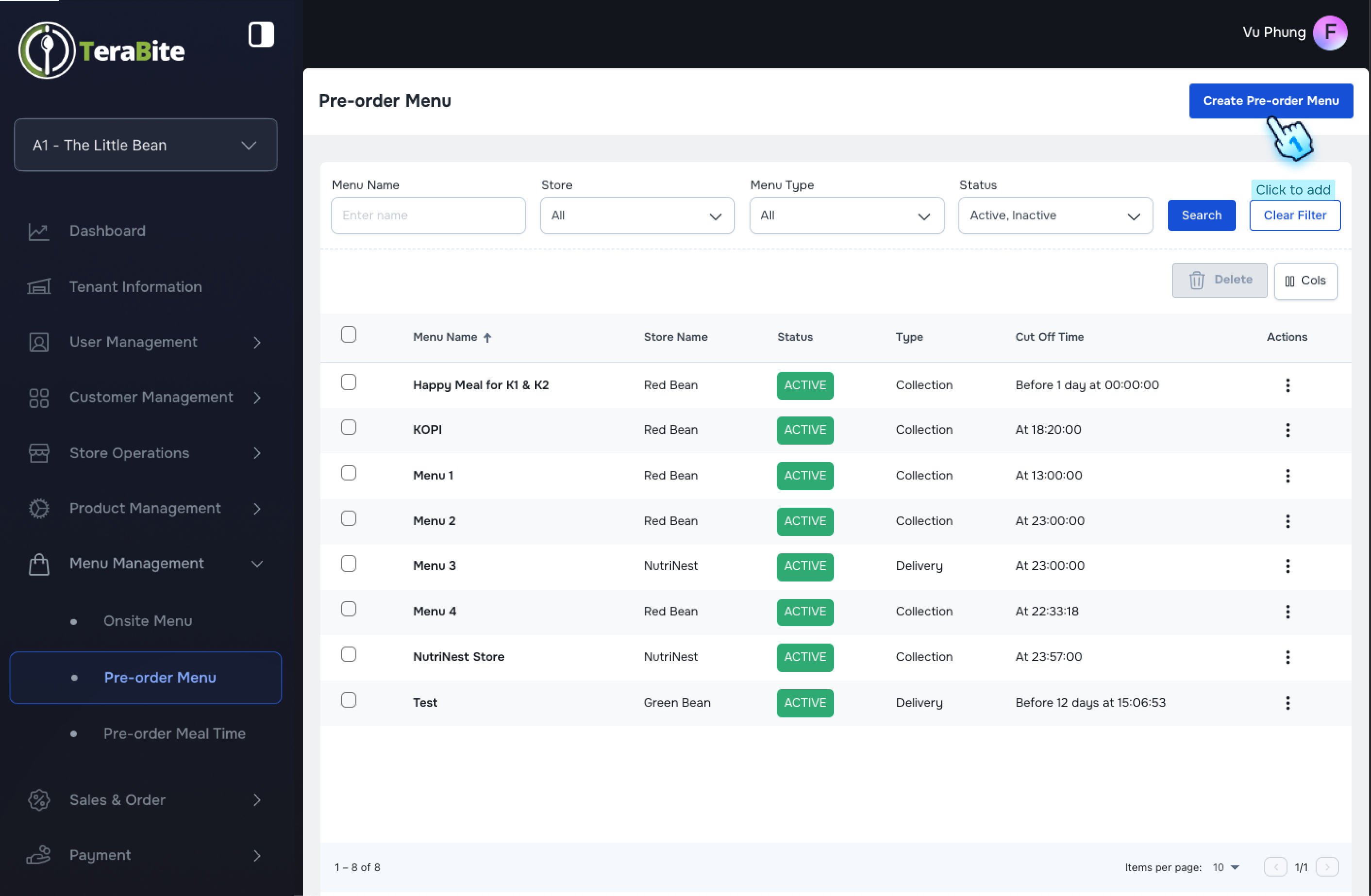
This document outlines the procedures for creating pre-order menus, viewing the menu list, changing menu statuses, and managing meal times within the...
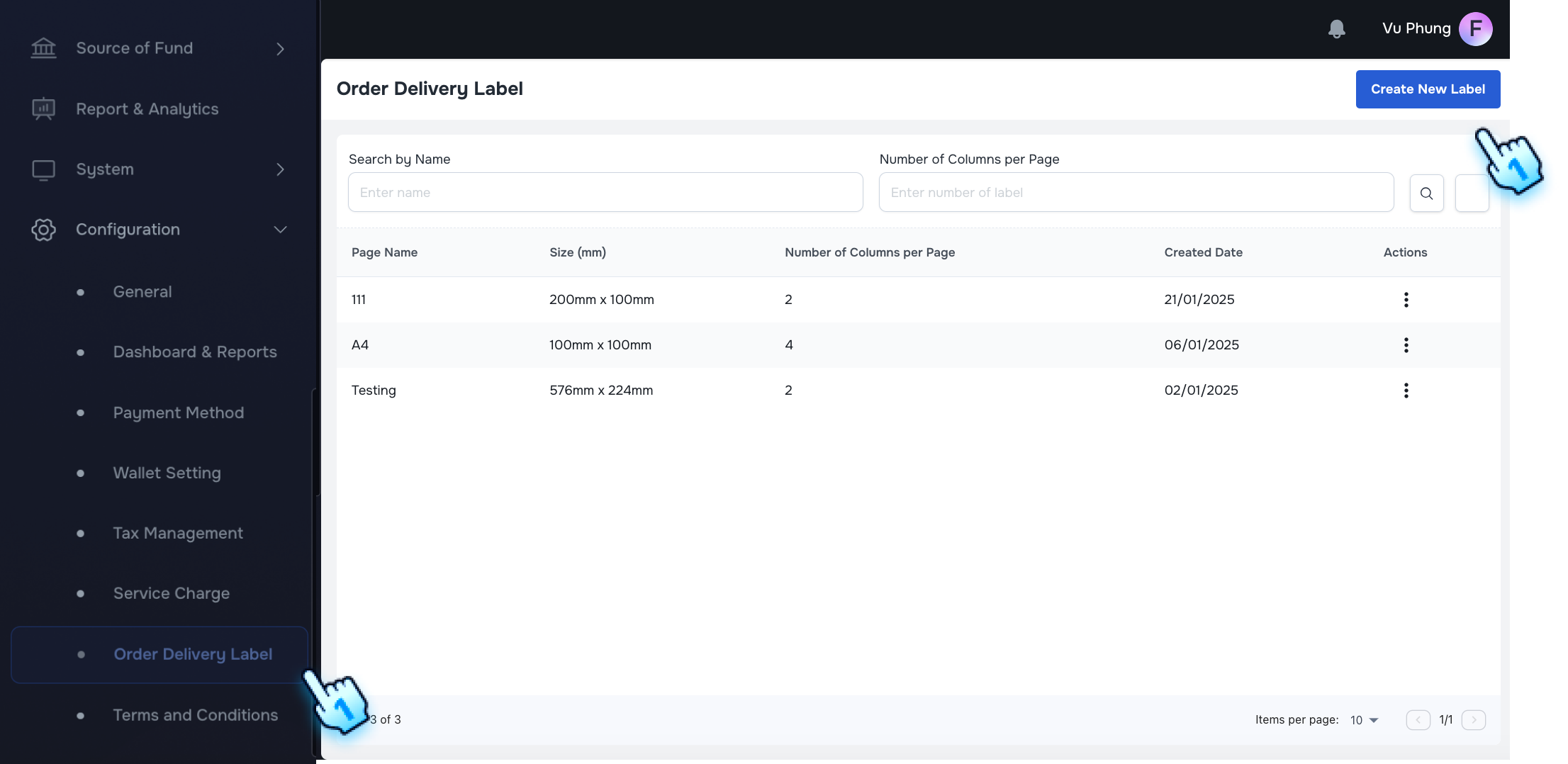
This document outlines the steps to create and manage order delivery labels.
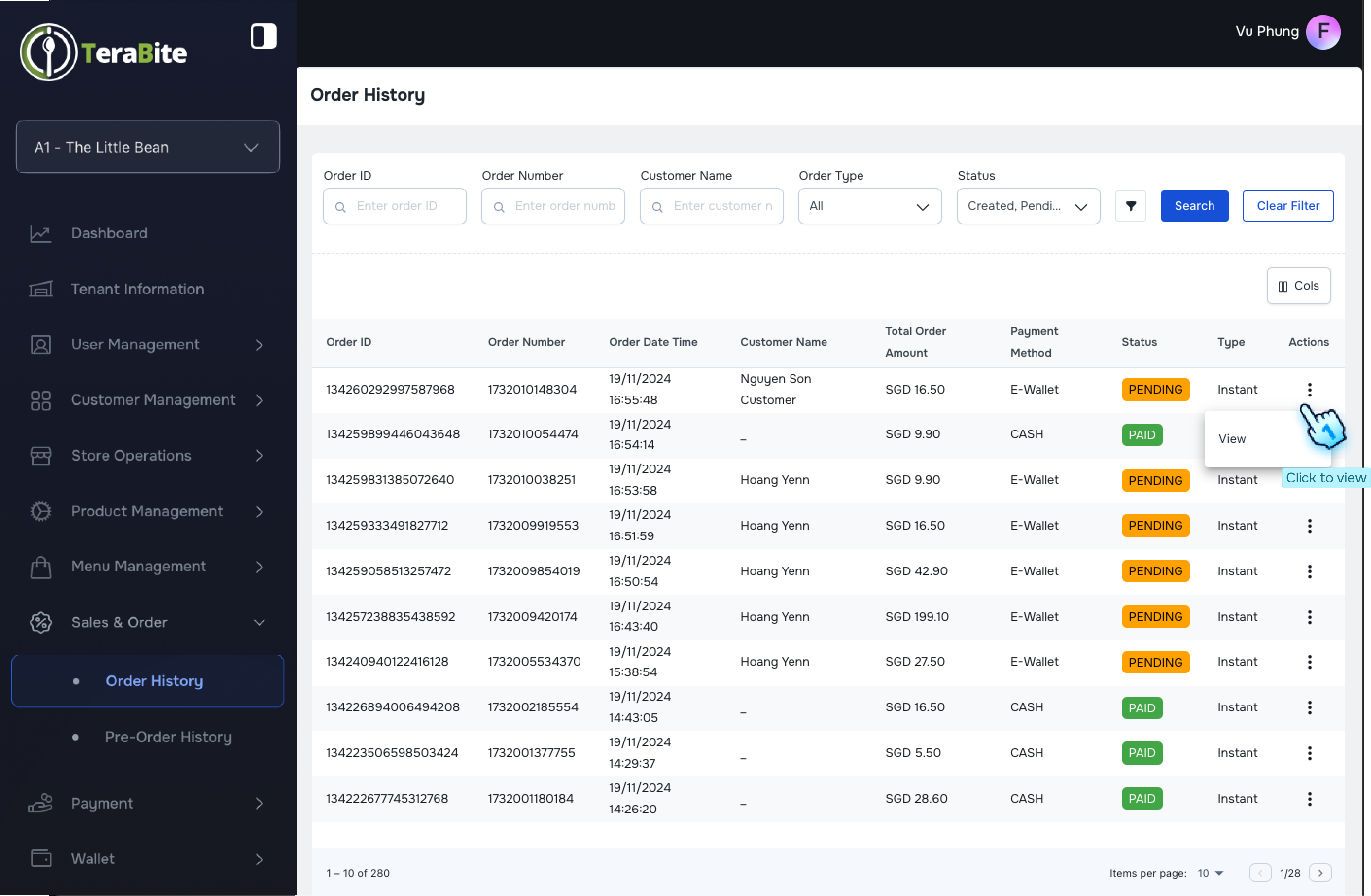
This document outlines the procedures for viewing order details and pre-order details within the Sales and Order module.
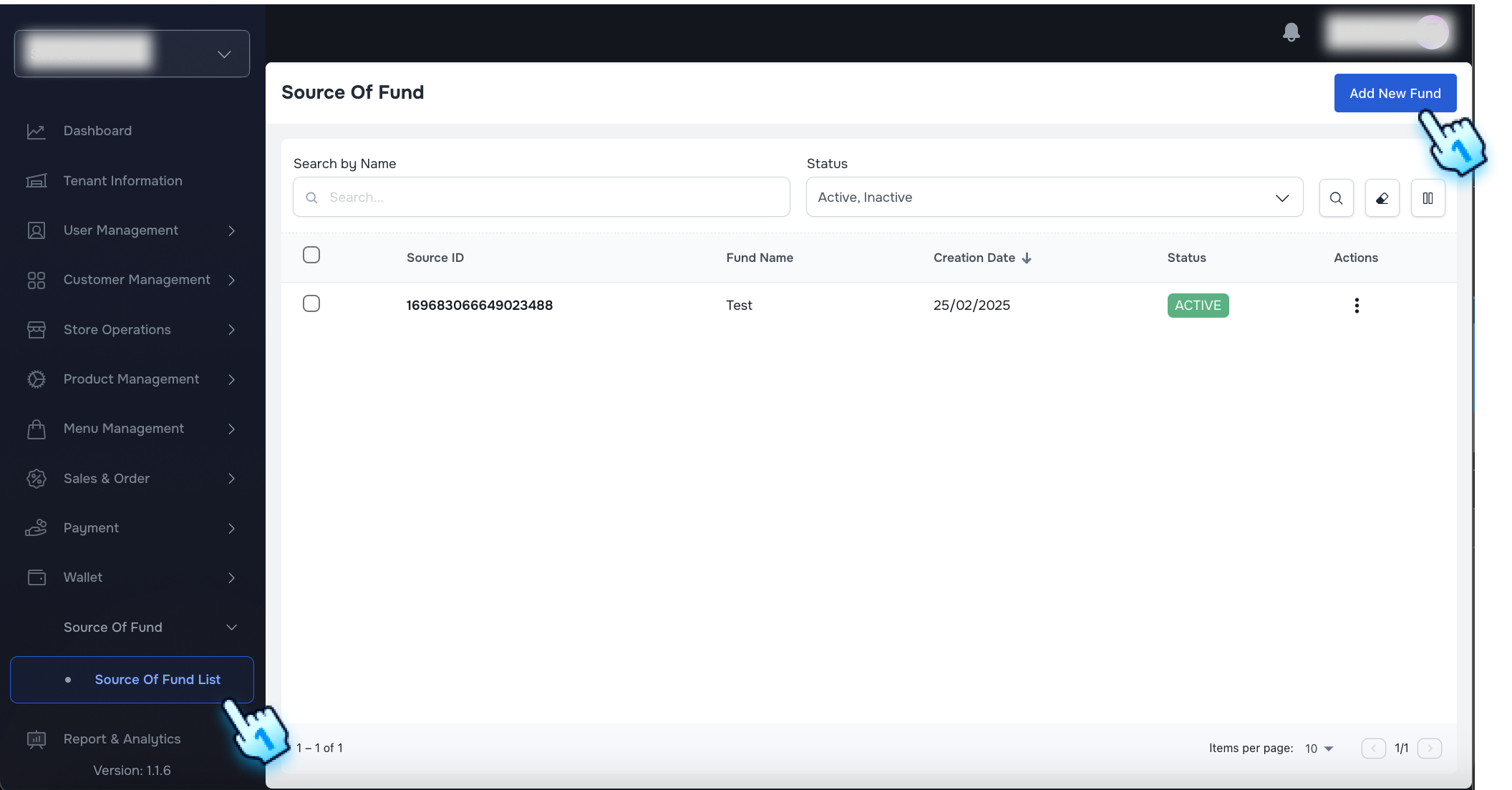
This section outlines the procedures for managing funds, including adding new funds, searching and filtering funds, and editing fund details.
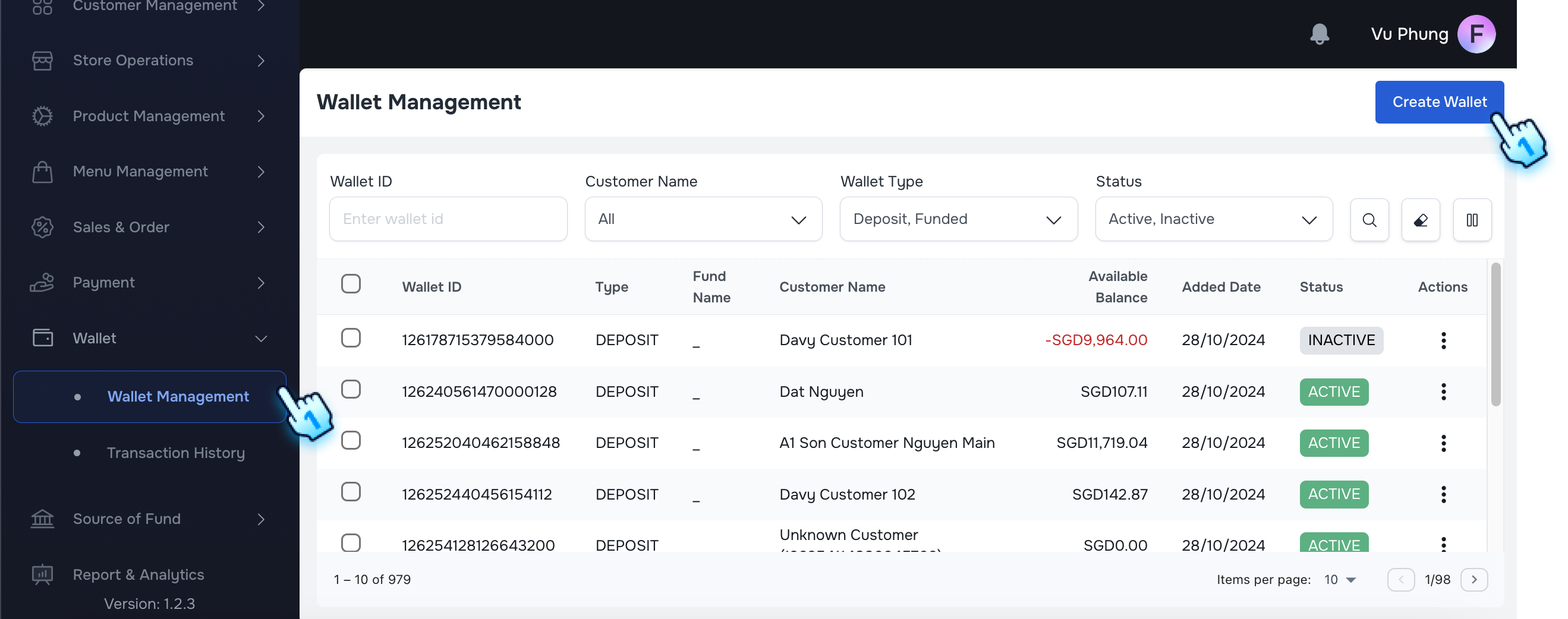
This document outlines the procedures for creating wallets and managing wallet actions within the Wallet Module..
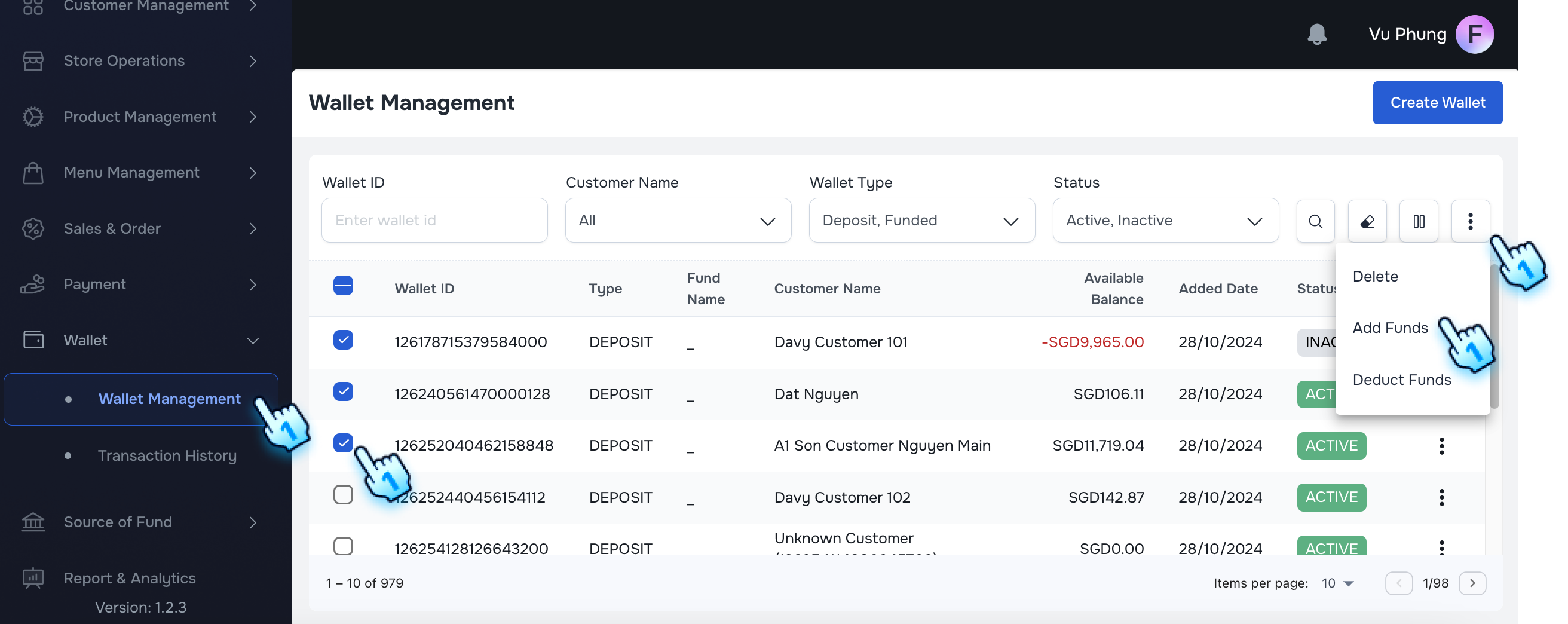
This document outlines the procedures for managing funds, including adding and deducting funds within the application.
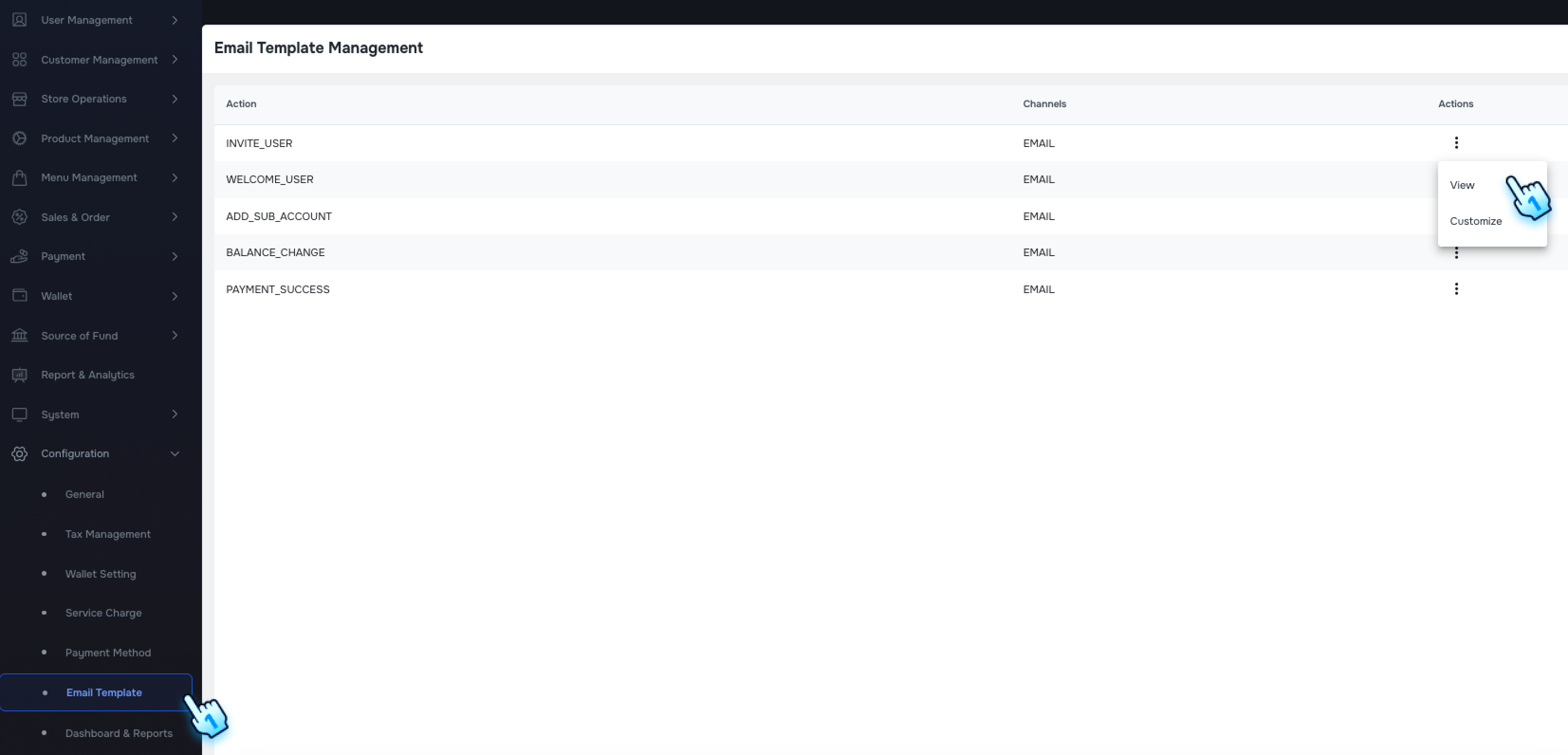
The system now offers a new Email Template configuration page, allowing you to customize email content with various components.
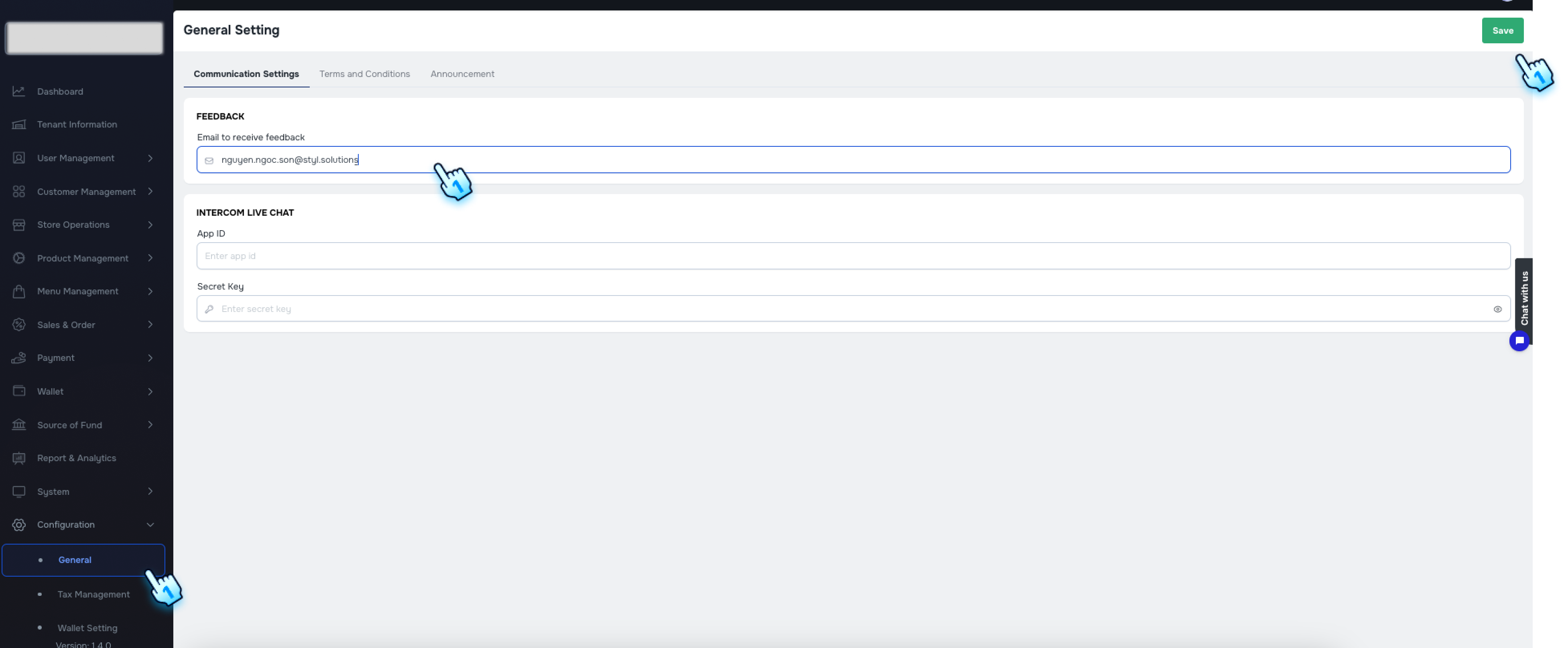
This section provides a General setting, including Communication setting, Terms and Condition, and Announcement
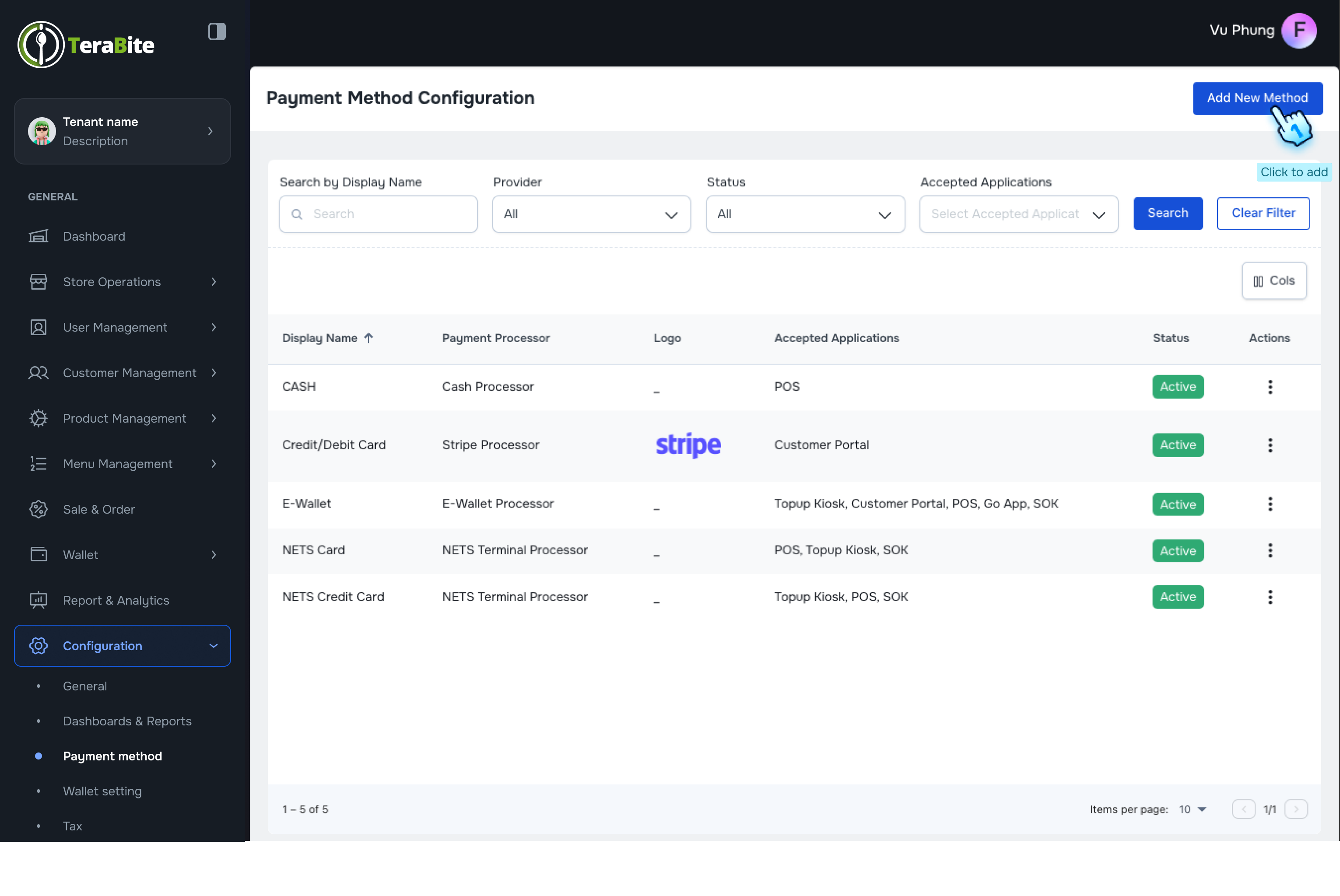
This document outlines the procedures for managing payment methods, wallet settings, and tax management within the Configuration module.
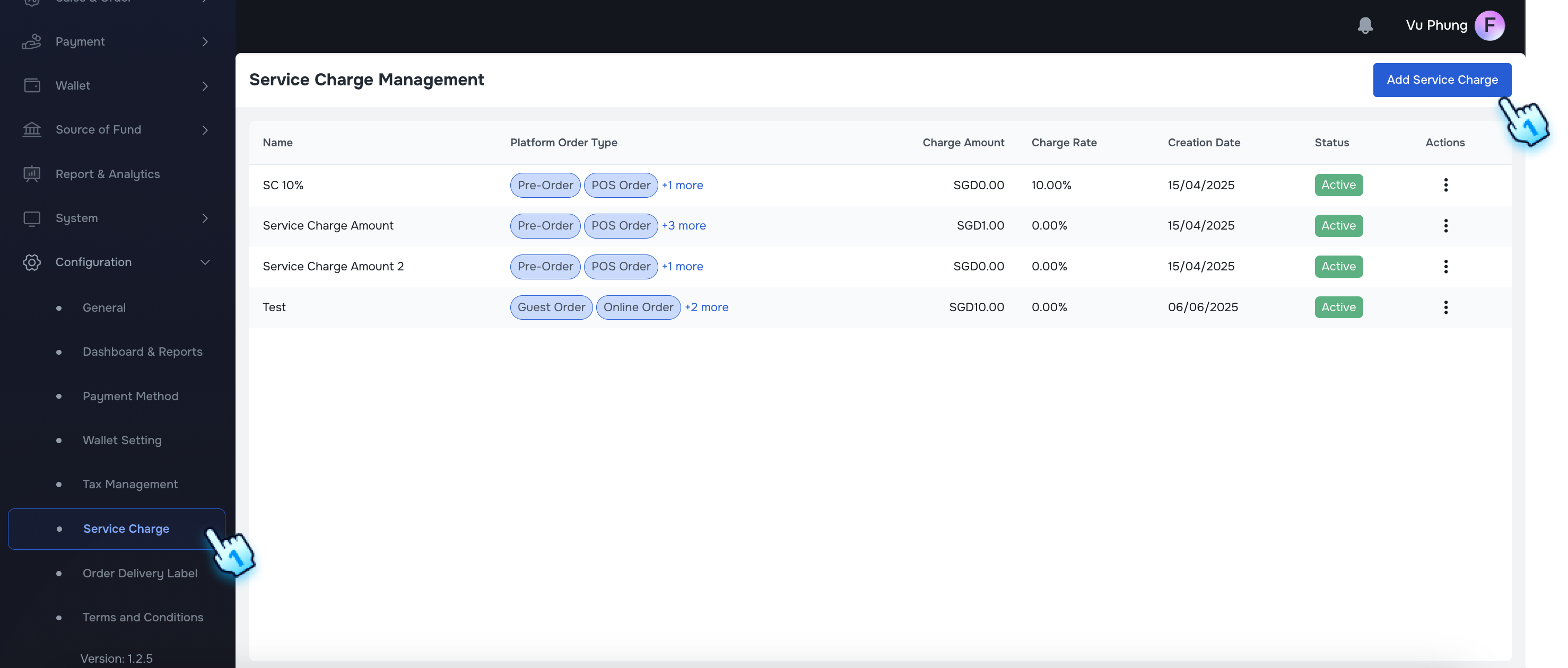
This document outlines the procedures for managing service charges within the application.
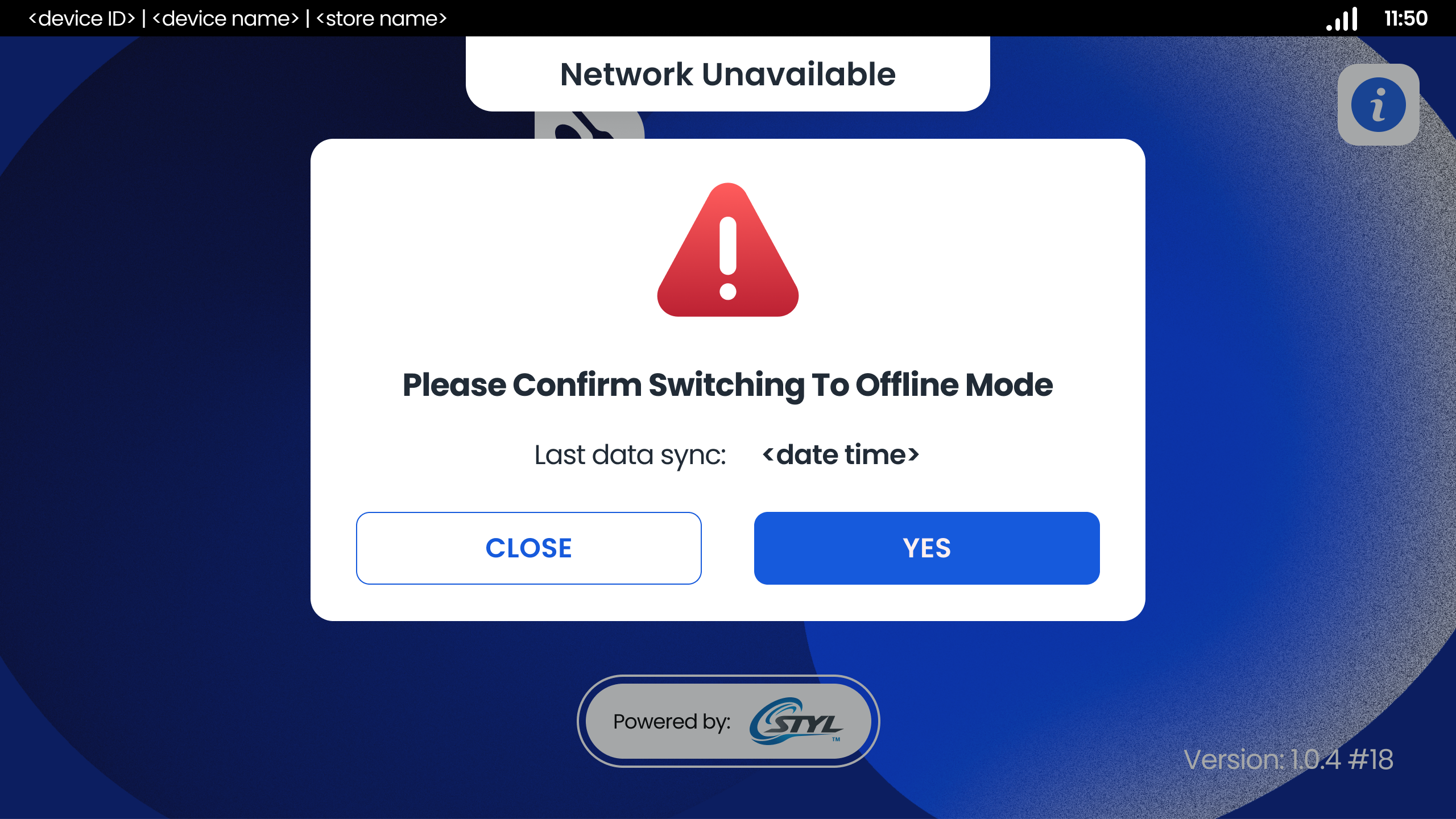
This document outlines the procedures for managing network modes (online and offline) within the application.
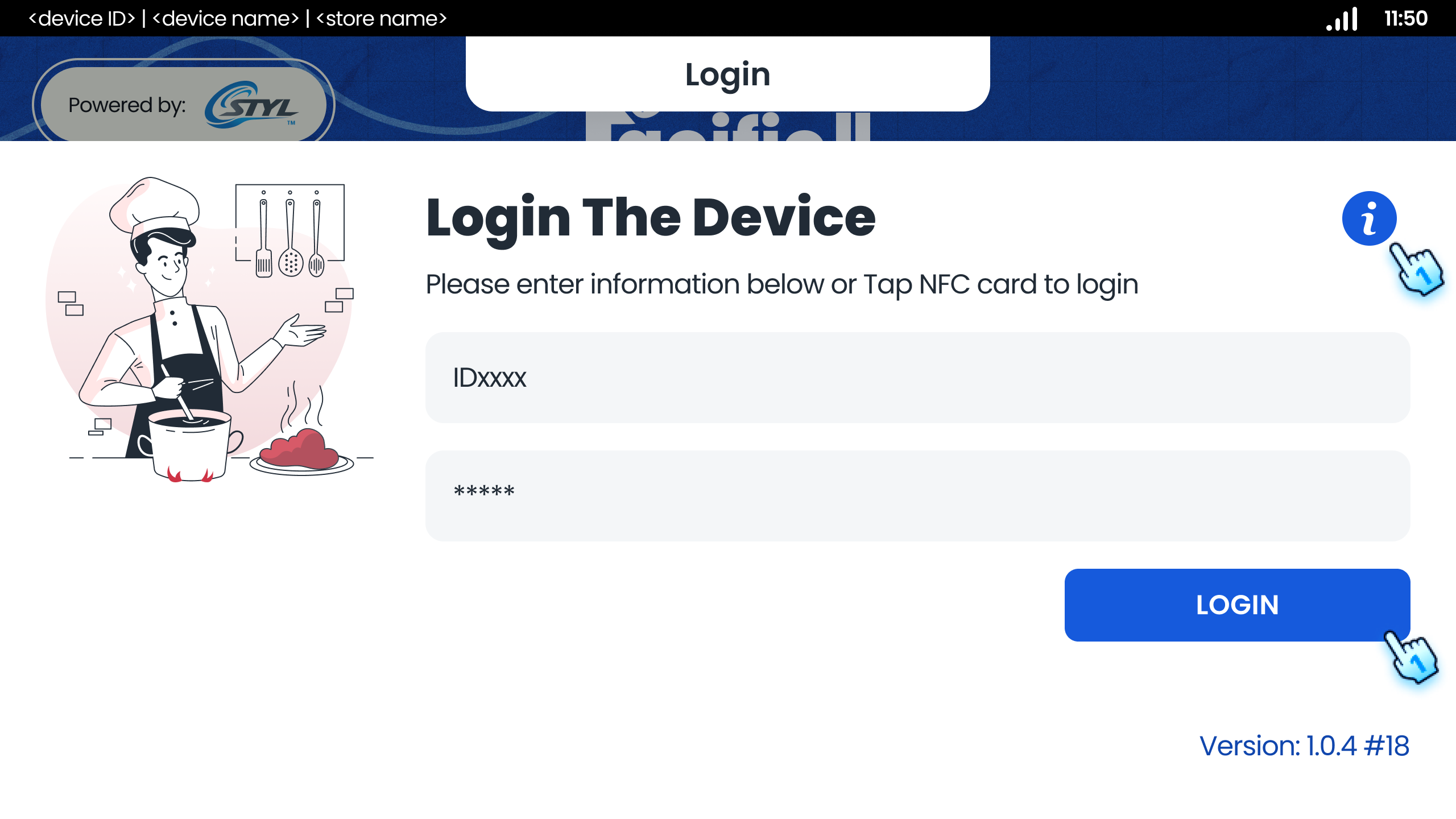
This document outlines the various functionalities related to the startup and login processes of the application.
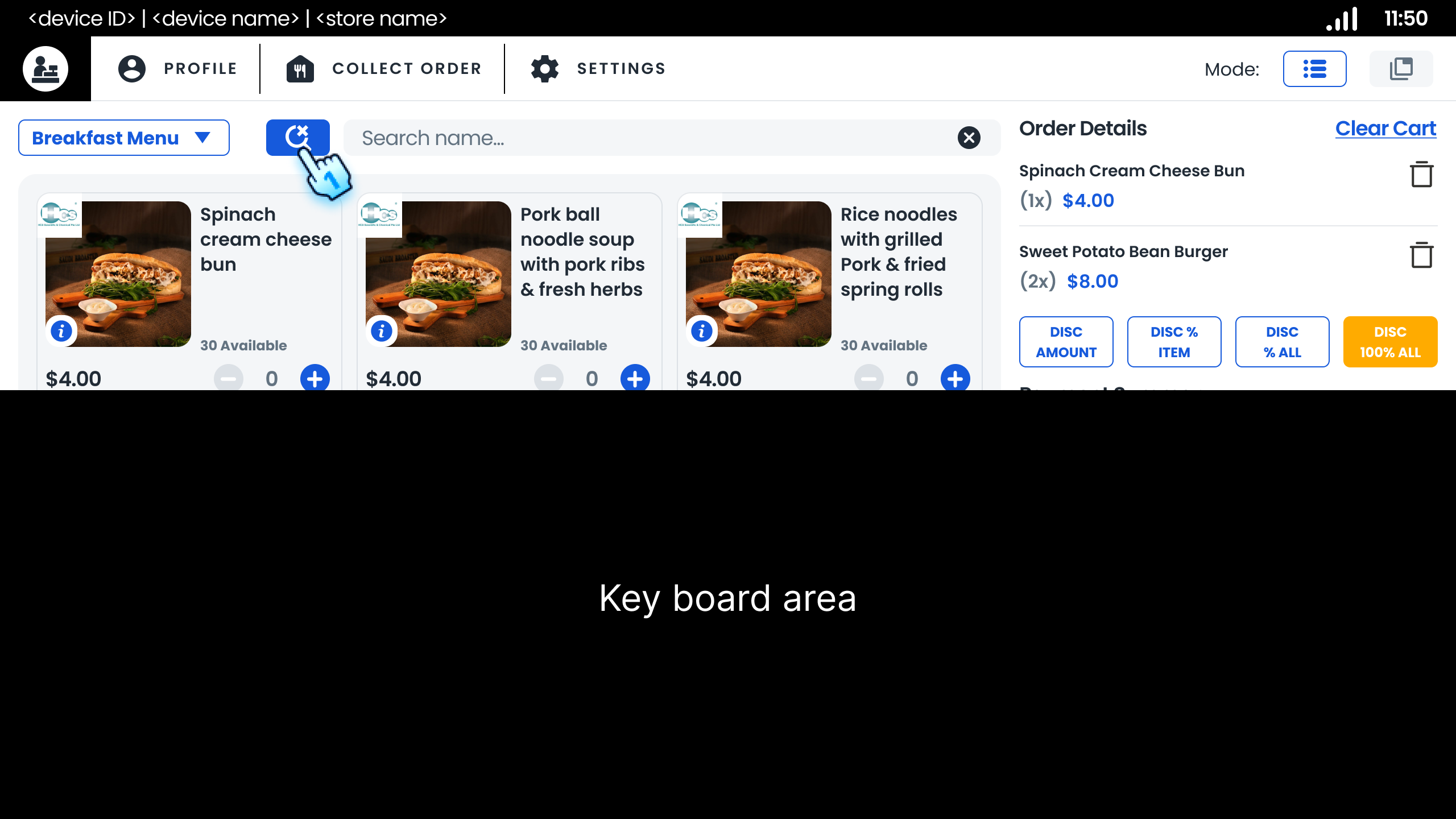
This section provides guidelines for managing sales transactions, including menu navigation, item selection, and discount application within the POS...
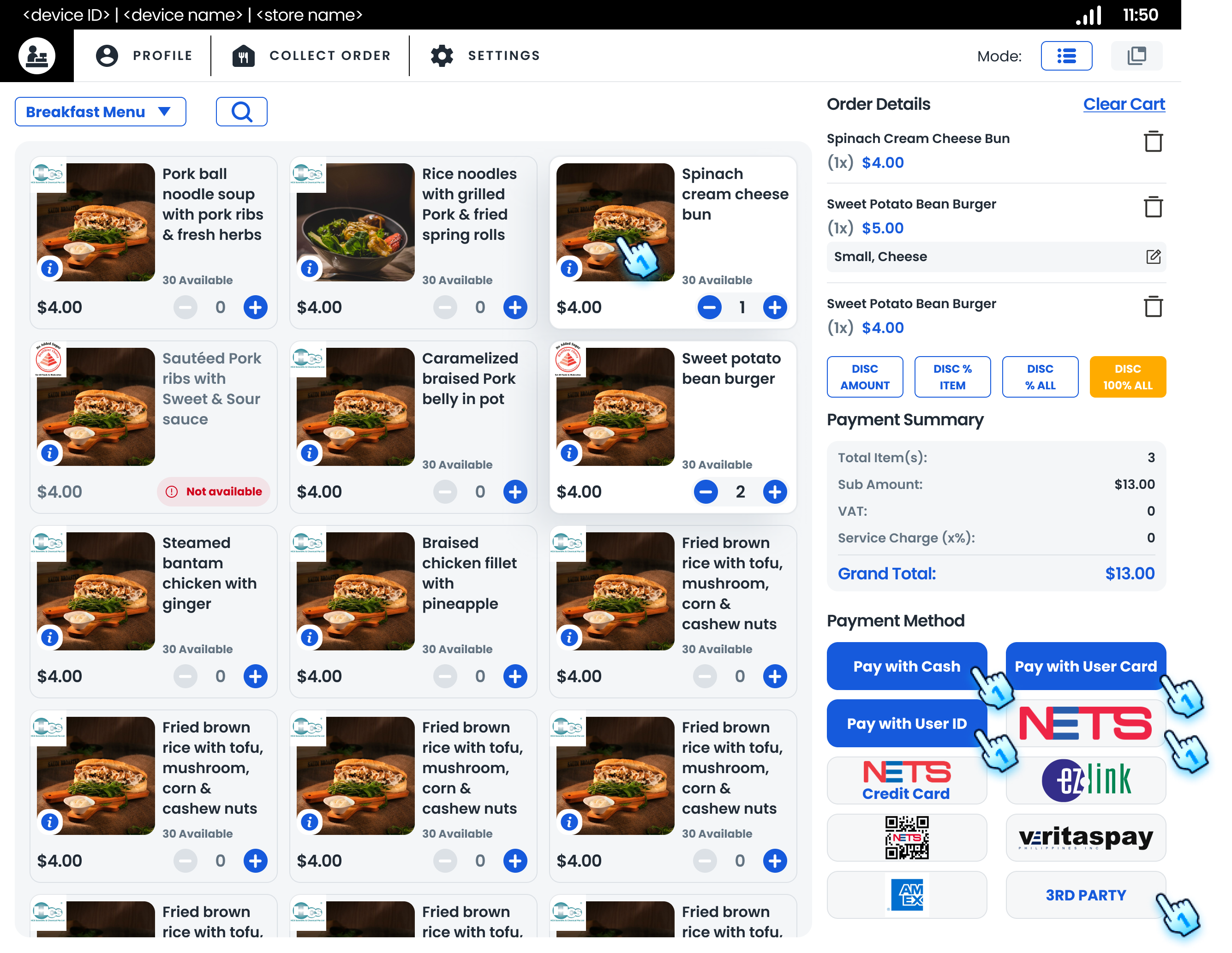
This section outlines the procedures for processing payments using various methods, including cash, e-wallet, and NETS cards.
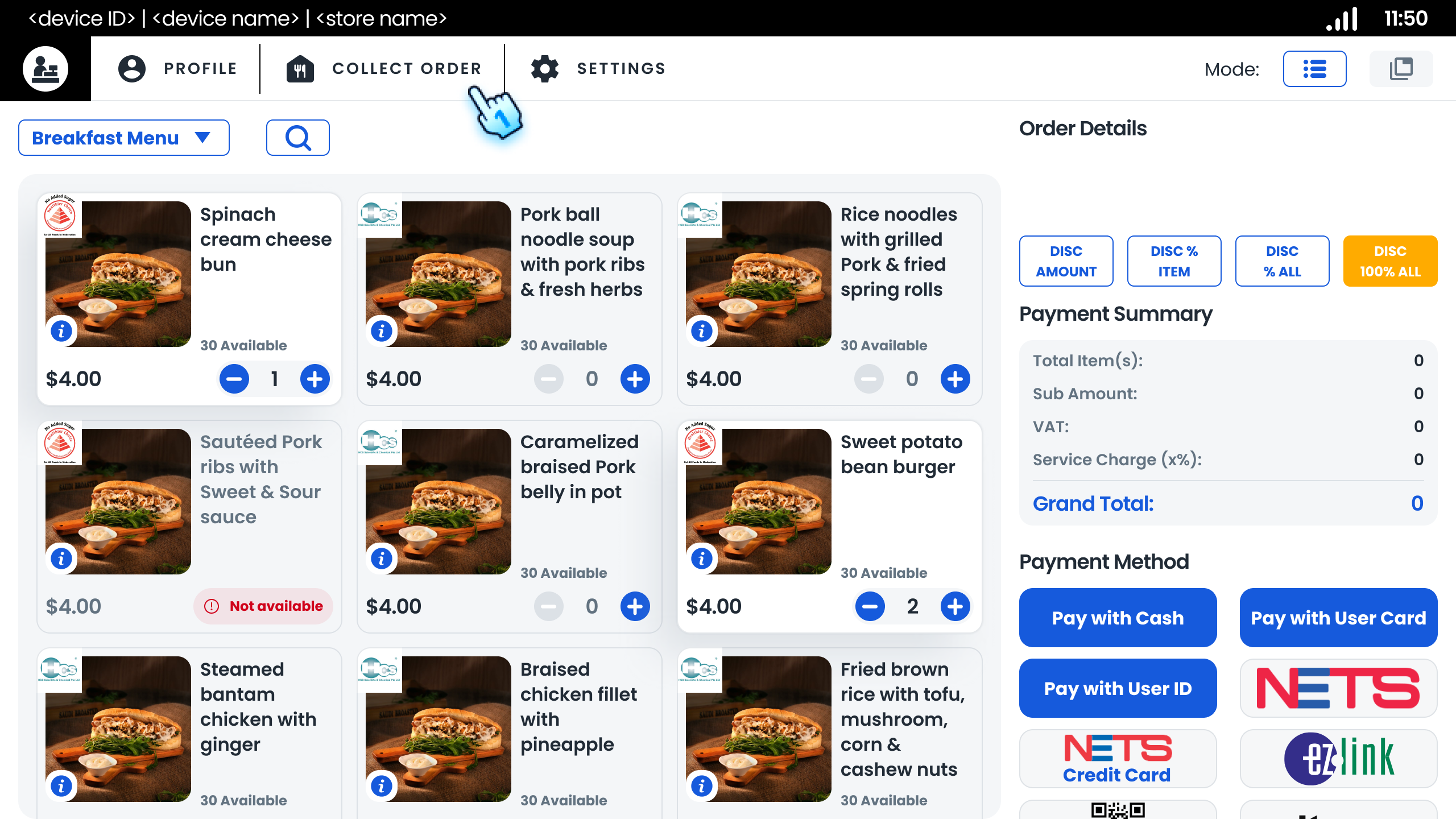
This section provides instructions for managing pre-orders, including searching, filtering, and collecting orders.
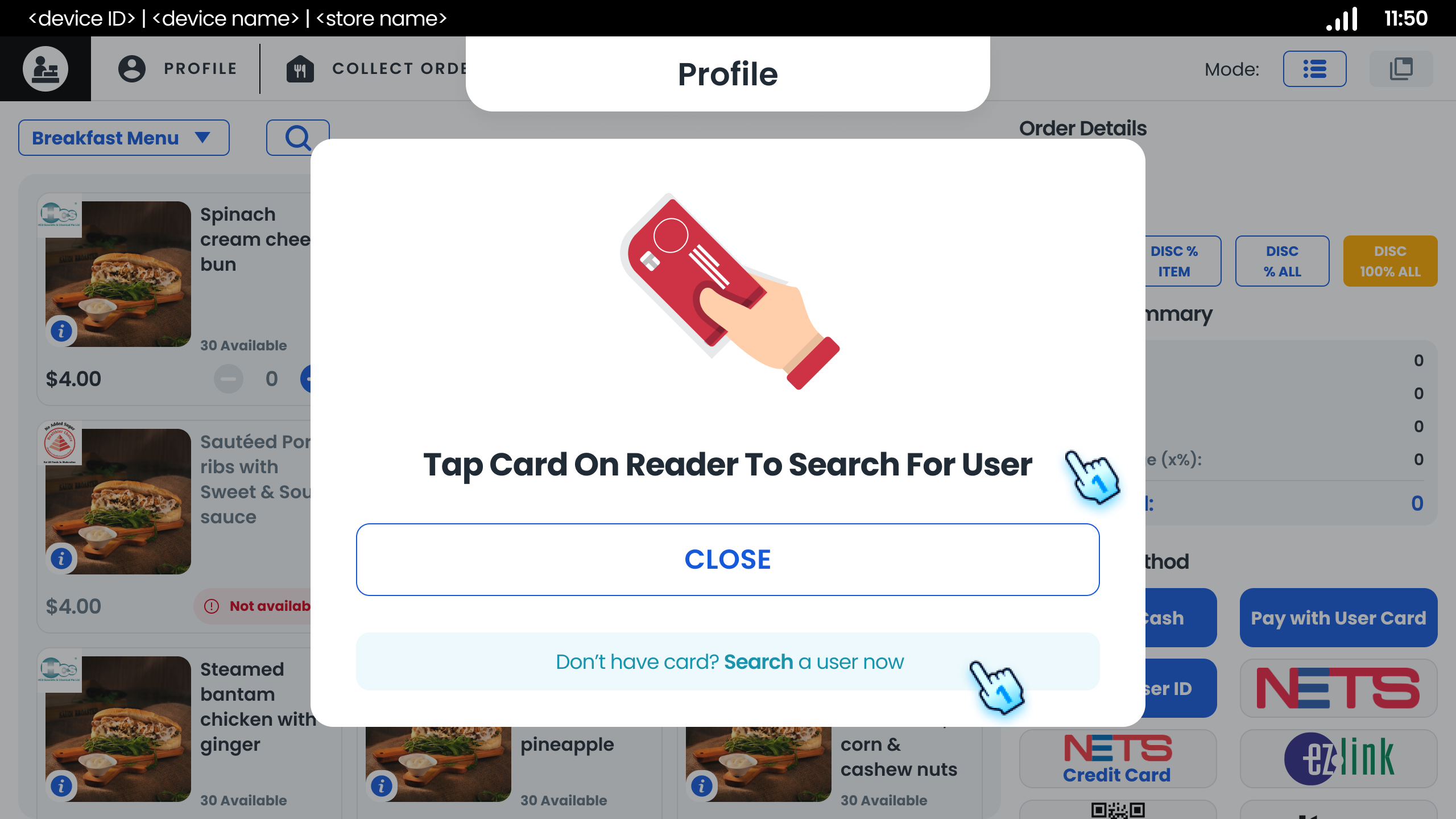
This section provides guidelines for managing top-up transactions, including initiating top-ups, processing payments, and handling exceptions.
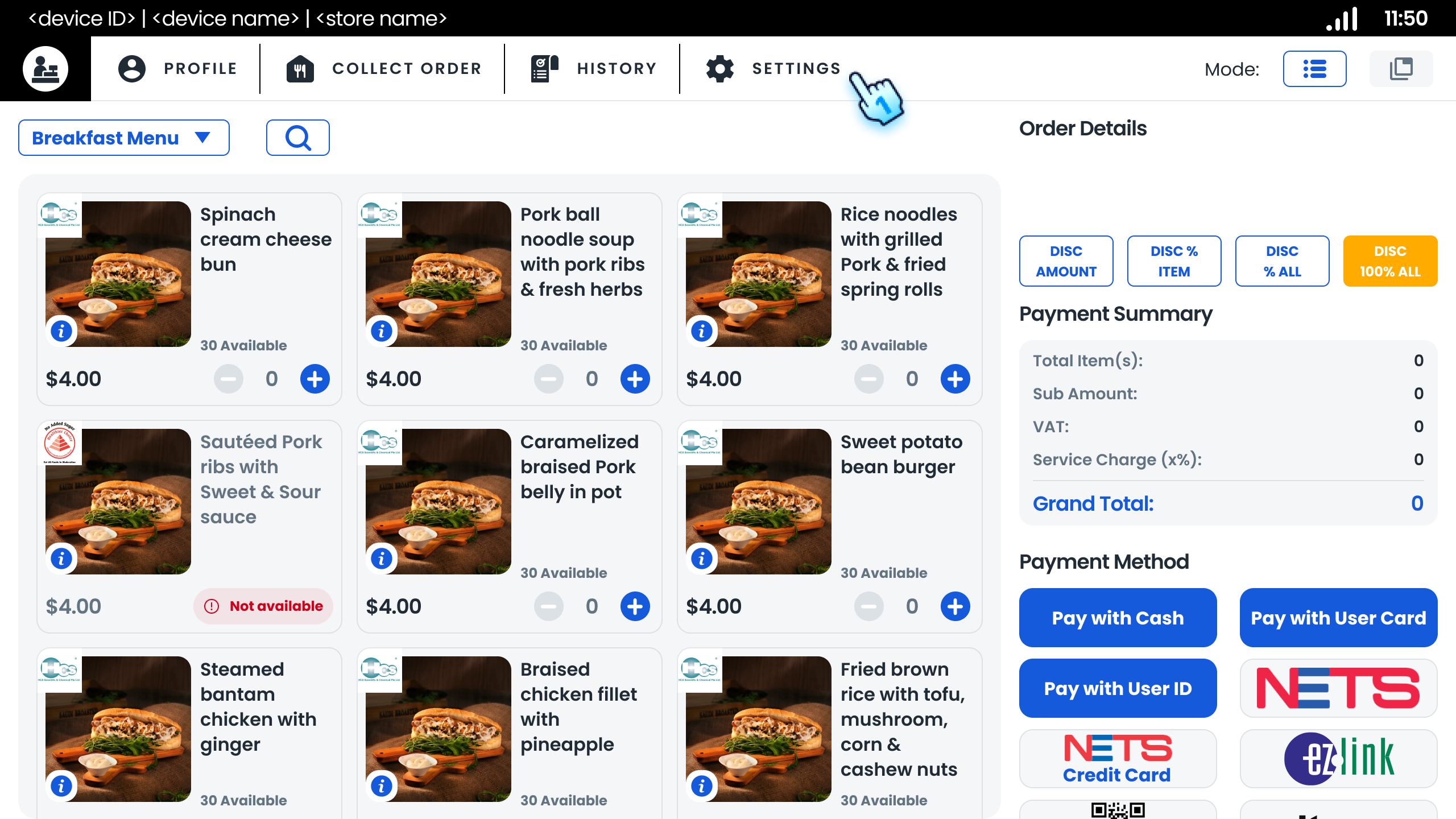
This section outlines the procedures for configuring top-up settings, including transaction history, date and time format, and other system...
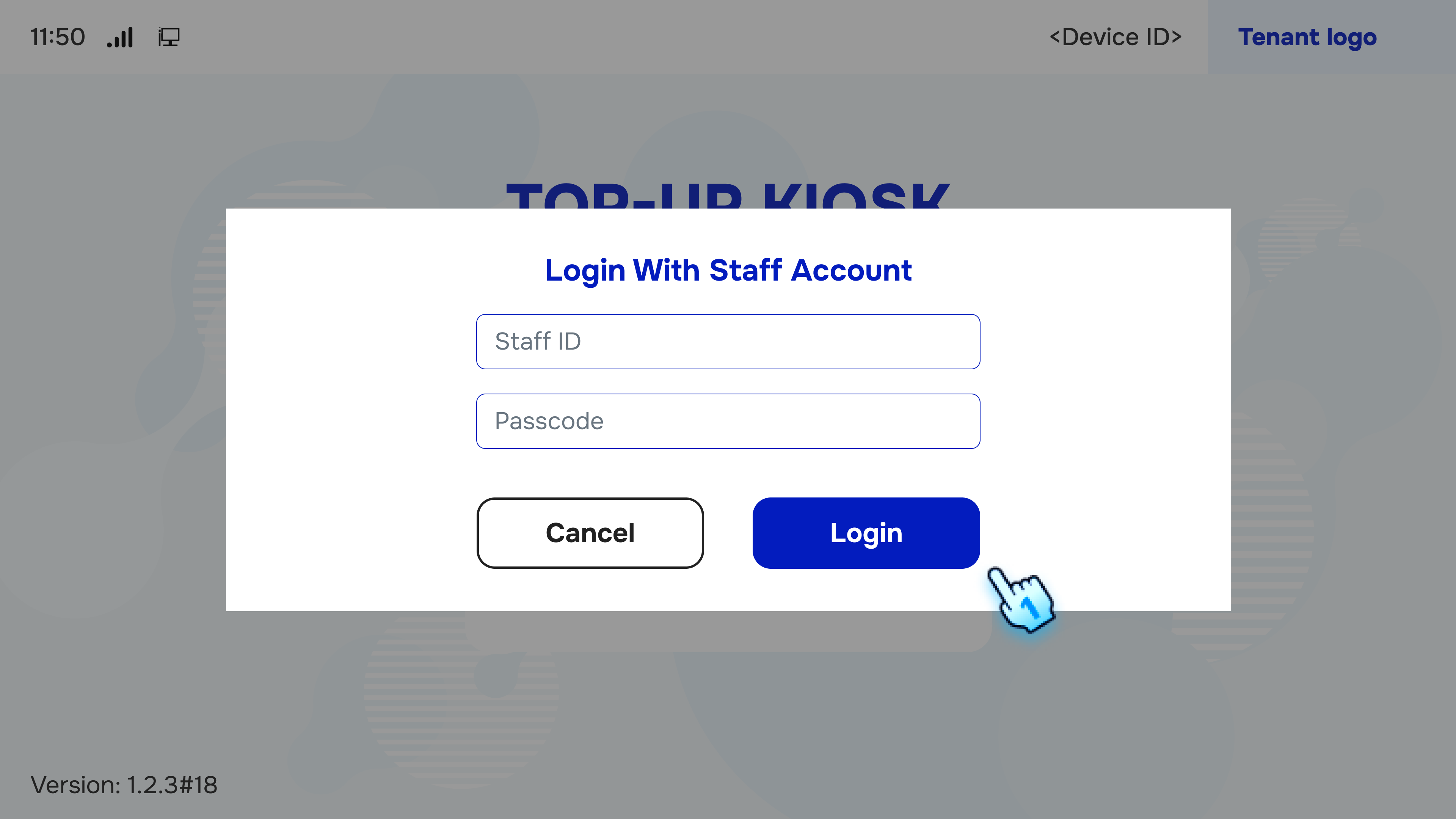
This document provides a comprehensive guide to configuring the Top-up Kiosk.